What Should You Look for in a Privacy Policy?

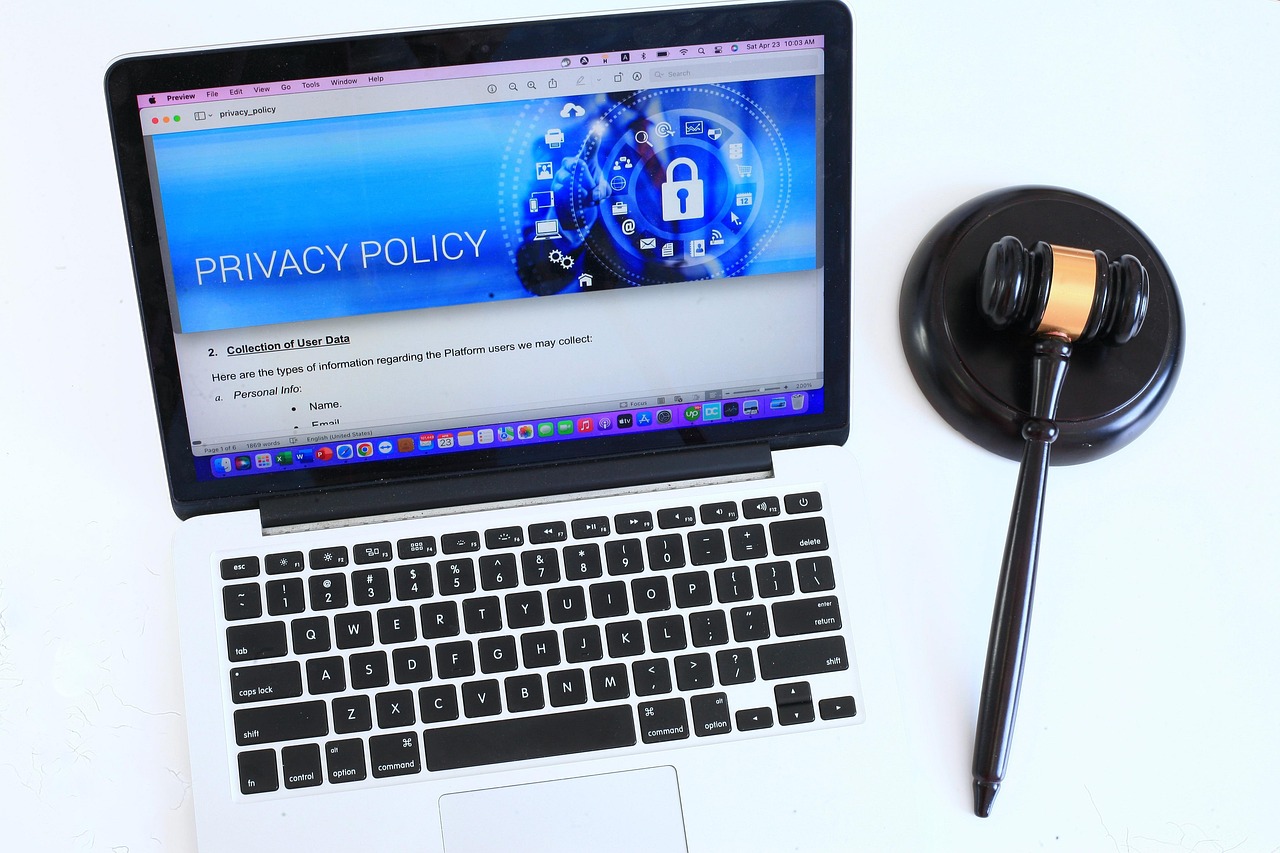
For National Consumer Protection Week, we’re talking about privacy policies. Pretty much every online service, mobile app, and software tool you use has a privacy policy, also known as terms and conditions. Some are good and some are awful. Most people can’t tell the difference.
Here’s what a privacy policy is for, why it matters, and how to read a privacy policy without wasting hours of your time.
Table of Contents
The purpose of a privacy policy
Privacy policies tell you how a company plans to collect, use, share, or sell your data. The goal is to comply with laws like the General Data Protection Regulation (GDPR), California Consumer Privacy Act (CCPA), and others.
Privacy policies are part of the transparency requirements of those laws. In many cases, that means that as long as consumers agree to the privacy policy, the company is considered to be in compliance no matter how much of an overreach its data collection and storage practices may seem.
Sometimes, you agree to a privacy policy simply by using a service. You may see a popup to that effect when you visit some websites. In other cases, you have to explicitly click agree. Regardless, when you agree you make a legally binding contract with services that allow them to collect, use, and sell your data however the privacy policy states.
Why people don’t read privacy policies
Around two percent of consumers read privacy policies in their totality. The rest click “agree” without knowing what they agreed to.
Make no mistake: businesses know consumers don’t take the time to read privacy policies. It takes a long time. It’s difficult to understand. That’s all by design.
Most privacy policies are between 4,000 and 6,000 words and get longer and more complex by the year. It’s gotten bad enough that privacy advocates have tried to change state and federal privacy laws to make sure that the ‘disclosures’ in privacy policies are easy to read and understand.
Here’s what many privacy policies allow companies to do:
- Track consumers’ purchase history, internet history, and precise location
- Sell personal data to data brokers, partners, and other third parties
- Store data for undetermined periods of time
Most sites allow consumers to opt out of data collection in order to comply with state and European laws, but in many cases, the clearest navigation signal is: say yes or don’t use the service.
How to read a privacy policy like a lawyer
If you’ve ever bothered to look at a privacy policy, you probably think you’d have to be a lawyer to know what it means. Find problematic phrases in seconds with one of these two methods:
- CTRL + F (Windows) / CMD + F (Mac) – Opens up a search bar that will find the exact term anywhere it appears on the page.
- Use a chatbot – Copy and paste policies directly into the chat window and ask the AI to find anything that puts your privacy at risk.
Here are some categories of phrases to watch for or paste into an AI tool:
1. Data sales
Search for terms like:
- Third parties
- Affiliates
- Partners (some privacy policies give a number for how many partners your data is shared with)
- Valuable consideration
- Monetize/monetization
- Cross-context behavioral advertising (this means they can track you even after you leave the website)
2. AI and machine learning
In 2026, a lot of privacy policies now include clauses related to training AI on your data. Once your info gets caught up in an AI tool, it’s rarely possible to opt out or stop the spread. Look for:
- Model training
- Algorithm
- Automated decision-making
- Generative AI / LLM
- Aggregate / aggregation (often refers to collecting your data in one place for inclusion in an AI dataset)
3. Data retention
Look for some indication of how long the site or software keeps your data. It should delete personal data after a certain period of time to prevent exposure years after the consumer stops using the service. Related terms include:
- Indefinitely
- Retention period
- As long as necessary
- Archival copies
4. Location data
Apps that collect, share, or sell your location put your privacy at risk. Some apps share that information with law enforcement, advertisers, and data brokers. Look for:
- Geolocation
- Precise location
- Approximate location
Apps that collect approximate location data respect your privacy more than apps that track your precise location. In some cases you can opt out of location tracking altogether and still use an app or service.
5. Biometrics
Look up these terms to learn how an app will treat the data you can’t change, like your face and your fingerprints:
- Biometric identifiers
- Biometric data
- Voiceprint
- Fingerprint
- Face scan
6. Opt-out rights
These clauses let you know how much power you actually have in the relationship.
- Opt-out
- Delete
- Global Privacy Control / GPC (This refers to whether the website obeys browser settings that give a blanket order not to track the user)
Privacy policies you shouldn’t agree to
Let’s talk about the top platforms you might use on a daily basis and why you should give their privacy policies another look.
1. Meta (Facebook and Instagram)
Meta’s privacy policy takes 18 minutes to read and contains a host of concerning clauses. It’s also organized with subpages that you can’t easily copy and paste into an AI tool. In 2024, Meta changed its policy to allow it to train its AI on users’ public posts. When the backlash arrived from the most privacy-conscious nations in the world, Meta turned off training just for those countries instead of reworking its policy. PC Mag’s most recent review of several top apps marked Facebook and Instagram as the worst for your privacy.
2. Tiktok
Tiktok’s policy allows it to collect precise location data where others collect approximate locations. It can also collect info on your sex life, race, religious beliefs, mental and health data, citizenship status, and a lot more.
Your only choice is to opt in or abandon the app. If you care about your privacy, do the latter.
3. Google
To no one’s surprise, Google’s privacy policy lets it know more about you than almost any other service thanks to Google Pay, YouTube, Google Maps, and Gmail. That information is centralized in an account that also often has access to your passwords, name, purchase history, search history, and other sensitive info.
Move to a privacy-focused browser like Brave or Tor and look for streaming apps that collect less data. Use a VPN to help keep your searches and internet traffic even more private and consider a more privacy-conscious alternative to Google Pay, like Apple Pay.
4. LinkedIn
LinkedIn can train AI on your data by default. Head to Settings > Data Privacy > Data for Generative AI Improvement and toggle off “Use my data for training content creation AI models.” As a bonus, head to Settings > Data Privacy > Visibility and go to Who can see or download your email address. Make sure it’s only visible to you. That should cut down on some of the spam and scams.
5. Modern car apps
Smart cars were the Mozilla Foundation’s number one pick in 2023 for their terrible data practices, and things have only gone downhill from there. Their privacy policies let them log voice commands, location data, phone contacts, and a lot more. They share much of that data with a major surveillance network that includes data brokers, advertisers, and insurance companies.
You probably accepted those terms when you first brought the car home, but you can still check for privacy settings that can help you reduce the amount of data automakers collect.
These are just a few of the privacy policies you’ll need to give a second look if you want to keep your data safe.
Top privacy policy questions
If you’ve made it this far, you already know more than most, but let’s break it down.
What is a privacy policy?
A privacy policy is a legal agreement between you and a service provider. It explains how that provider will collect, use, share, or sell your data.
Why are privacy policies necessary?
Companies use privacy policies to comply with transparency and legal requirements under privacy laws like the GDPR and CCPA.
Why are privacy policies so hard to understand?
Companies deliberately use confusing language and make privacy policies longer than necessary.
How does a privacy policy work?
You usually agree to a privacy policy by clicking “agree” or “yes” on a terms and conditions popup when you first visit a website or use an app. Sometimes you agree simply by continuing to use the website or service after a popup appears.
When should I check a privacy policy?
Take a look at the privacy policy before you use the website or app and especially before you input any sensitive data.
What if I’ve already agreed to a questionable privacy policy?
If you’ve used Google, Facebook, or a similar service in the past, your data is already out there. You can do some cleanup with a data removal service like DeleteMe, but from now on be proactive. Don’t sign or agree to anything unless you read it first.
What if I can’t find the privacy policy?
There are some websites that deliberately make it difficult to find privacy policies. You can search “Privacy policy [service name]” on Google and it may take you to the right page, but it’s not a guarantee. Ultimately, if you can’t find the privacy policy, take that as a sign that the service has murky clauses it doesn’t want you to know about.
That alone should be a signal to head elsewhere.
Final thoughts
Every time you ignore a privacy policy, you increase your online risk and exposure. Don’t spend hours reading every word, but do know what to look for and how to quickly find the clauses that are relevant for you. A couple minutes of due diligence can save you from data breaches, unwanted tracking, and giving permission you can’t easily take back.
Your data should be yours to control.
Learn more
- Try out our free scan to see where your information might be exposed and put you at greater risk of scams online
- Discover our top 2026 data privacy predictions for consumers
- Learn about National Consumer Protection Week

news?

Don’t have the time?
DeleteMe is our premium privacy service that removes you from more than 750 data brokers like Whitepages, Spokeo, BeenVerified, plus many more.
Save 10% on DeleteMe when you use the code BLOG10.
Related Posts
The Party is Just Getting Started: Block Party is Joining DeleteMe

Why You Can’t Tell Deepfake from Reality