
How to Remove Yourself from Arrests.org


Table of Contents
DeleteMe’s Arrests.org Review
Arrests.org is a data broker that collects personal information and posts it online. To remove yourself from Arrests.org, you must email them a removal request. Once this is received, it could take around one week for your information to be removed.
Instead of going through each background check site individually, you can use DeleteMe to clean everything up at once.
| Speed: 5 | Difficulty: 3 |
|---|---|
 |
 |
How to Remove Yourself from Arrests.org
1. Search for your listing on https://arrests.org/.
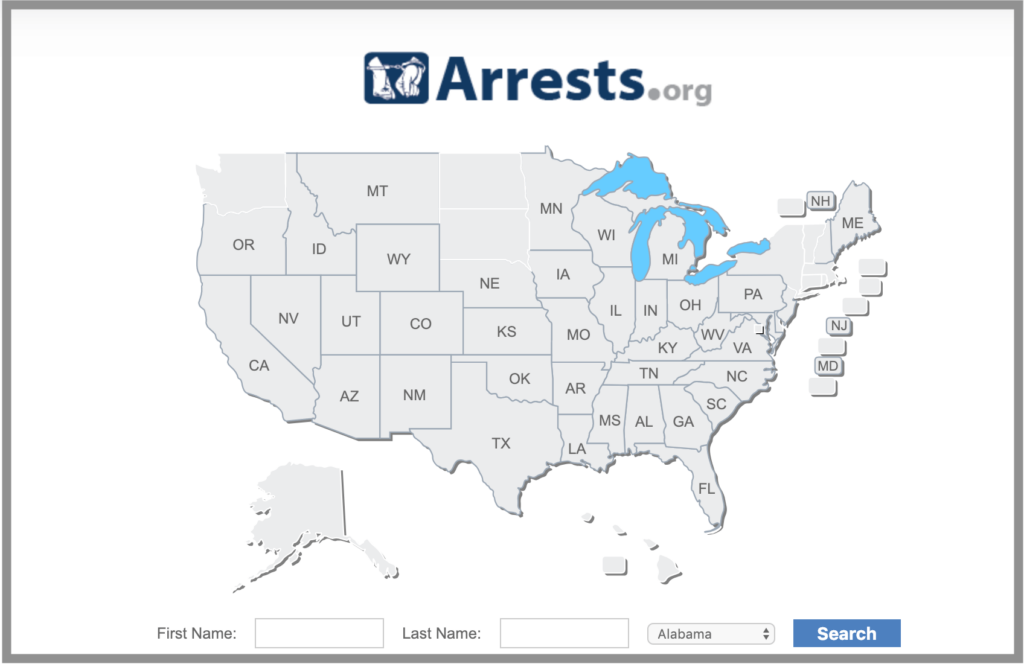
2. Find your listing and click on your name or picture.

3. Take screenshots of your listing. On a Mac, this is done by holding Shift – Command – 4 and dragging the box over the image you want to capture. On a PC, hold Window – Print Screen.
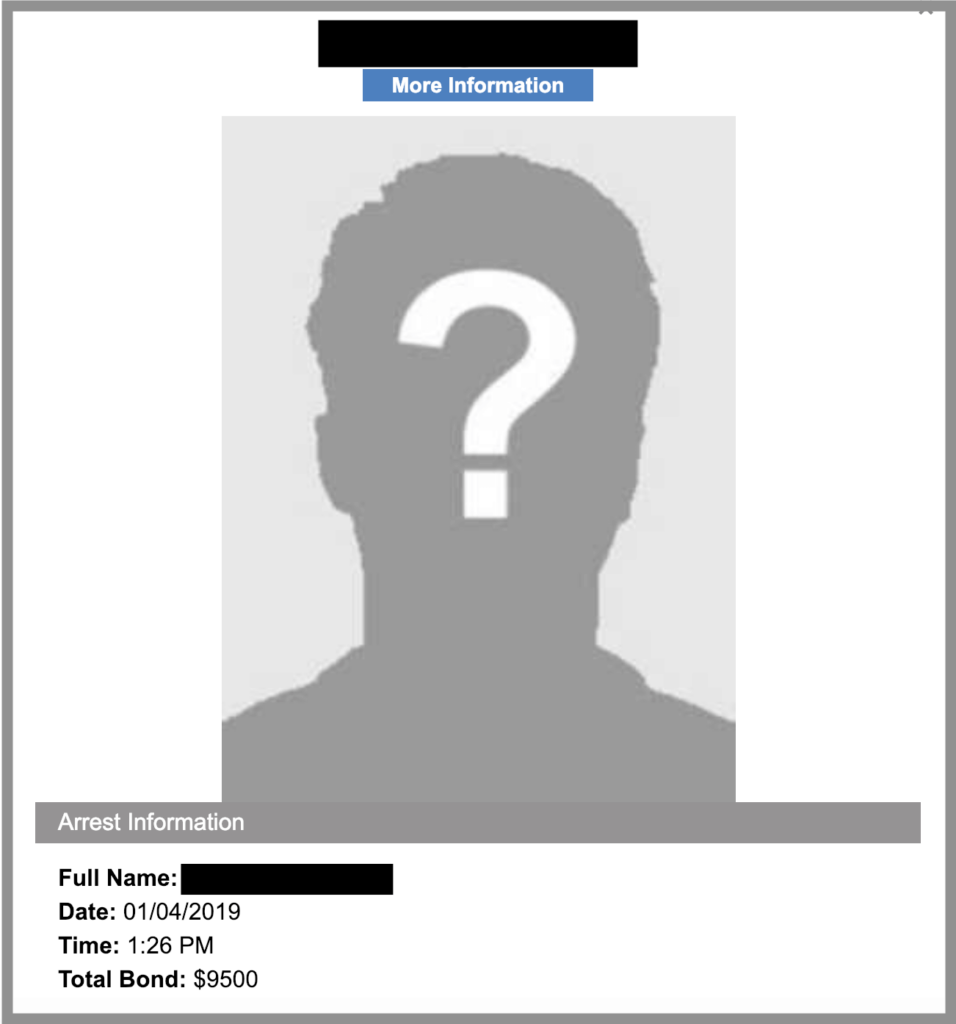
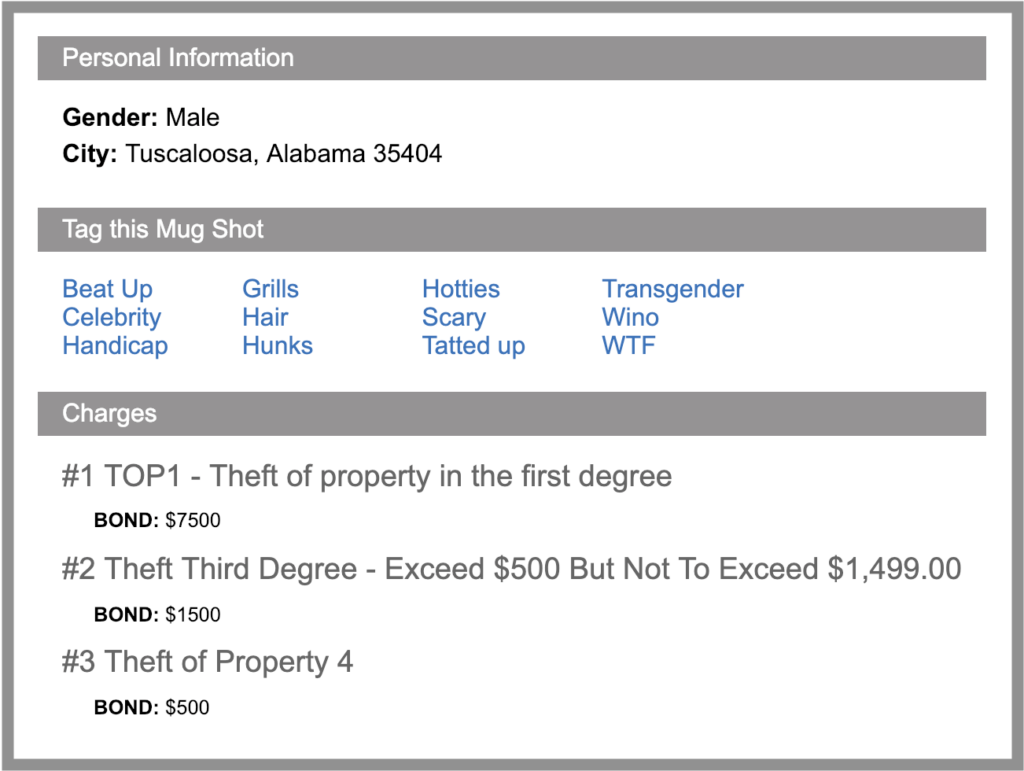
4. Email [email protected] with your information as it appears on your listing, including:
- the screenshots of the webpages to be removed
- your full name
- current address (and former addresses you want to protect)
- phone number (and former phone numbers you want to protect)
- date of birth
- a copy of your driver’s license or state identification card (for security reasons , cross out your photo and ID number)
- a reason for removal
5. It might take around a week for your information to be removed.
If you’re looking for a data broker removal service comparison site, check out our page.
Get Your Free Scan Now
Find out which data brokers have your info


news?

Don’t have the time?
DeleteMe is our premium privacy service that removes you from more than 750 data brokers like Whitepages, Spokeo, BeenVerified, plus many more.
Save 10% on DeleteMe when you use the code BLOG10.
Related Posts

Whitepages Opt-Out Guide

Featured Data Broker — ZabaSearch: Opt-Out and Learn More
