Is Facebookmail.com a Scam?

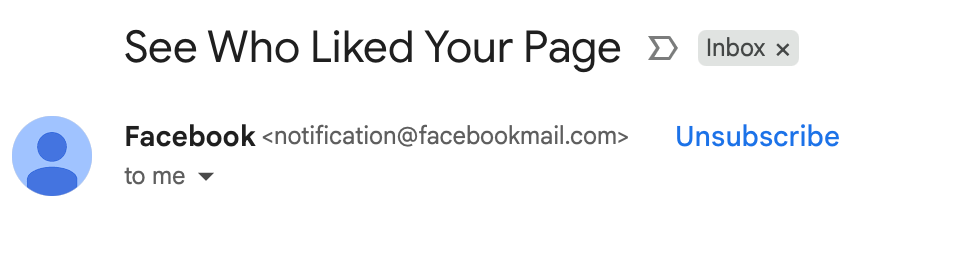
Table of Contents
If you’ve received an email from Facebookmail, you need to know whether it’s safe. Is Facebookmail a scam?
Below, we explain whether Facebookmail is a scam and discuss some steps you can take to improve your safety when interacting with correspondence from this domain.
What Is Facebookmail.com?
Facebookmail.com is a domain used by Meta Platforms (formerly Facebook) to send account notifications, password‑reset emails, and security alerts.
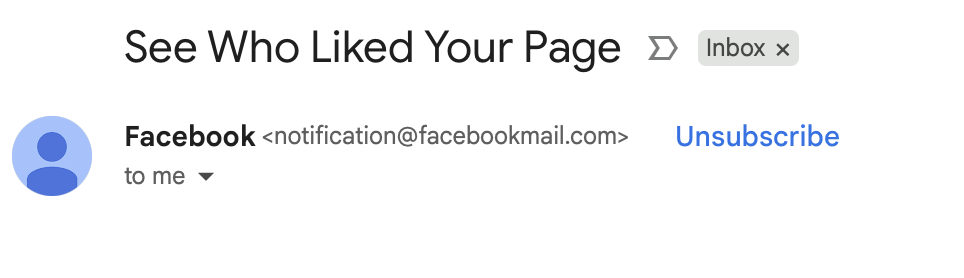
Facebook-related help articles list @facebookmail.com addresses among the legitimate domains Facebook uses to contact users.
Is Facebookmail.com a Scam?
No, Facebookmail.com itself is not a scam. It’s a legitimate domain used by Meta Platforms to communicate with users.
According to a WHOIS tool, the domain is almost 20 years old and registered to Meta Platforms.
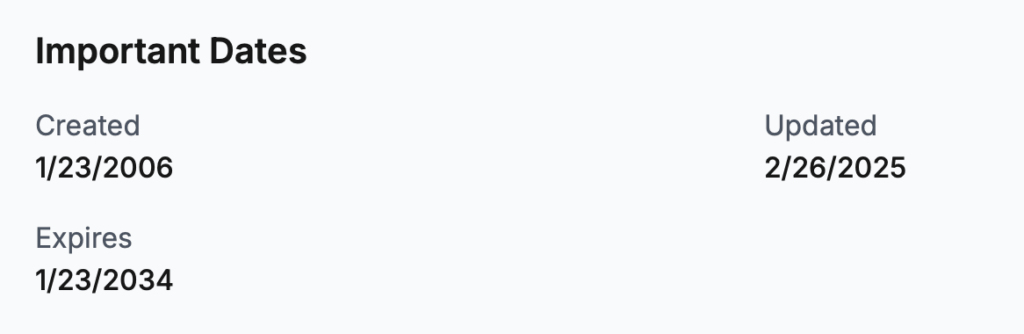
According to Scam Adviser, Facebookmail.com has a “Trust Score” of 100. The domain is very old and uses proper SSL certificates.
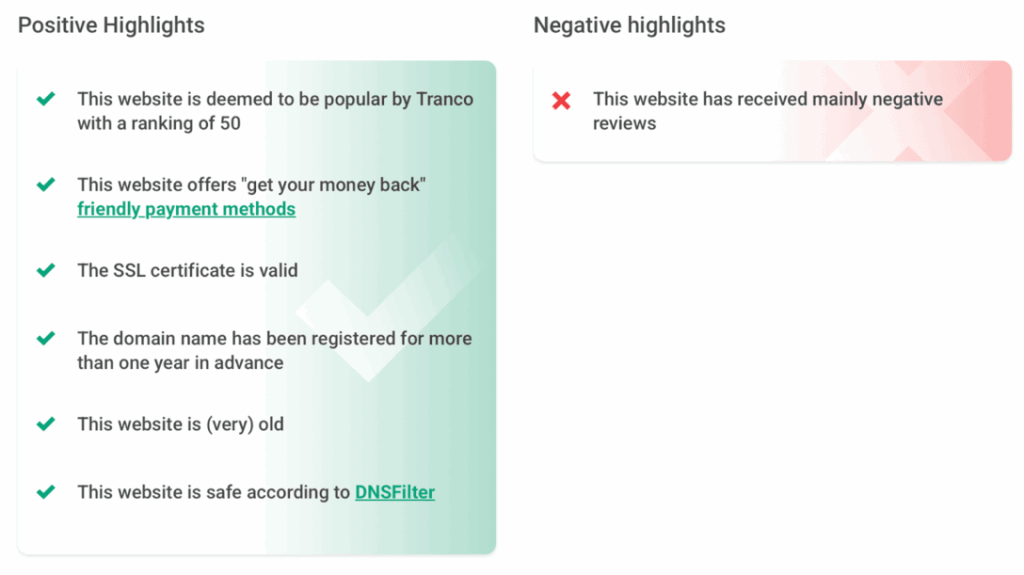
The only negative is that the website has received mainly negative reviews.
Facebookmail.com scams
Even though Facebookmail.com is a legitimate domain, users still need to be careful.
Scammers often spoof (fake the sender’s address to look like it’s from Facebook when it’s actually not) or misuse legitimate addresses to trick people into sharing personal information.
A common pattern involves emails claiming that your Facebook account will be disabled unless you click a link and appeal, with the message asking for login credentials, personal information, or payment.
Victims sometimes confuse these emails with genuine security alerts because the attackers copy Facebook’s branding and use urgent language.
So, just because it looks like an email is from Facebookmail.com doesn’t actually mean that it 100% is.
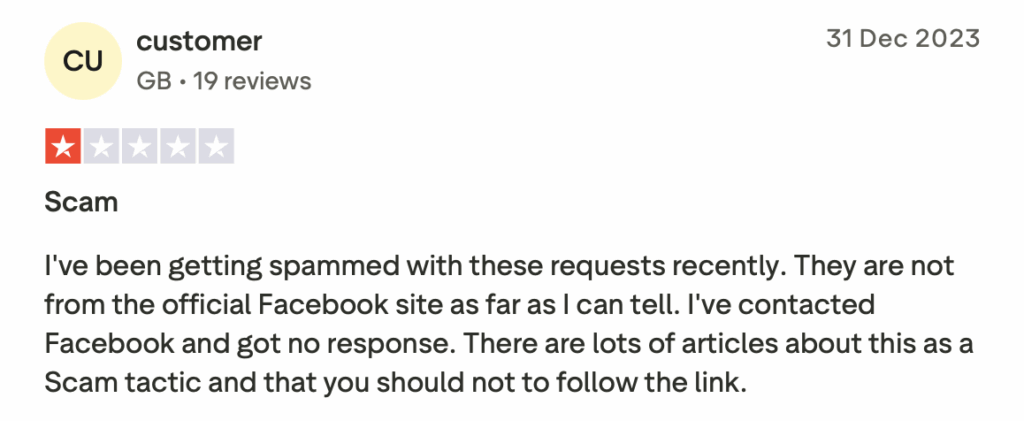
On Trustpilot, there are two consumer complaints about Facebookmail.com scams.
One says:
“I’ve been getting spammed with these requests recently. They are not from the official Facebook site as far as I can tell. I’ve contacted Facebook and got no response. There are lots of articles about this as a Scam tactic and that you should not to follow the link.”
Phishing emails can also target businesses.
In one recent phishing campaign, criminals abused Meta’s own Business invitation system to send convincing emails from the legitimate @facebookmail.com domain, tricking businesses into clicking links that stole login credentials.
As a result, users should be careful and verify that the email is indeed from Facebook before responding or clicking on any links.
How to verify the legitimacy of correspondence from Facebookmail.com
Facebookmail.com explains how to verify whether an email claiming to be from Facebookmail.com is genuine, including the addresses their correspondence can come from and how to confirm through their website that Facebook emailed you.
The best way is to go to Facebook and check ‘Recent emails’.
Here’s how:
- Go to Facebook.
- Click your profile picture in the top right.
- Then, click “Settings & privacy.”
- Click “Settings.”
- Select “Accounts Center” and “Password and security.”
- Under ‘Security check’, click “Recent emails.” You can see whether Facebook sent you any security (‘Security’ tab) emails and other emails (‘Other Emails’ tab).

Should You Trust Facebookmail.com?
While Facebookmail.com is a legitimate domain used by Meta Platforms, scammers are known to impersonate it in their social engineering schemes.
As a result, you should not automatically assume that any emails you receive from Facebookmail.com are legitimate.
Always verify before clicking on any links or attachments and/or sharing personal information.
How to Interact with FacebookMail.com Safely and Privately
- Check the address. Facebook will only send correspondence from several addresses, with facebookmail.com being one of them (see the others here). However, note that criminals can spoof addresses, so this isn’t a foolproof method.
- Look for the Facebook logo. Facebook correspondence should have a Facebook logo alongside their address.
- Hover over any links in the email. This way, you can see the domain you will be redirected to if you click on the link.
- Ignore attachments. Don’t click on any attachments within emails claiming to be from Facebookmail.com.
- Confirm the email through the Facebook website. You can confirm correspondence from Facebook through their website. In Facebook, click your profile picture in the top right, select “Settings & privacy,” and then select “Settings.” Next, select “Accounts Center” and “Password and security.” Under ‘Security check’, click “Recent emails.” You can see any security emails (like password change requests) in the main ‘Security’ tab and other emails (sent in the last few days) in the ‘Other Emails’ tab. Note that emails from Facebook with special links or security codes may not show up here.
- Be suspicious of urgent language. Phishing emails often use urgency to pressure you into taking actions like sharing personal details or clicking links.
- Never enter your password from an email link. Even if an email looks legitimate, don’t log in through an email link. It’s better to manually go to facebook.com and check for alerts after you log in. If an issue is real, Facebook will show it inside your account.
- Pay attention as a business user. If you manage business assets on Facebook, verify invitations inside Business Manager and do not accept roles or log in from email links.
- Don’t act if you’re not sure. If you’re not sure whether an email from Facebookmail.com is legitimate, don’t click on anything and verify the alert or request through your Facebook account.
- Report the email to Facebook. If an email from Facebookmail.com turns out to be a phishing attempt, forward it to [email protected].
Learn More
- Try out DeleteMe’s free scan to see where your information might be exposed and put you at greater risk online.
- Find out more about online scams.

news?

Don’t have the time?
DeleteMe is our premium privacy service that removes you from more than 750 data brokers like Whitepages, Spokeo, BeenVerified, plus many more.
Save 10% on DeleteMe when you use the code BLOG10.
Related Posts

Is Clawee a Scam?