Is Gov+ a Scam?

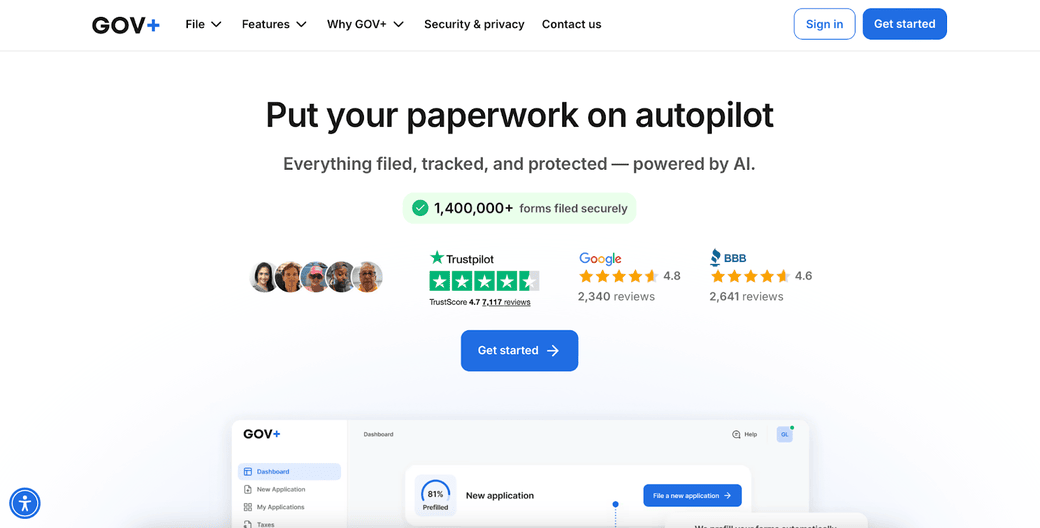
Table of Contents
If you’re thinking of using Gov+, you need to know whether it’s safe. Is Gov+ a scam?
Below, we explain whether Gov+ is a scam and discuss some steps you can take to improve your safety when using this service.
What Is Gov+?
GOV+ is a service that simplifies the process of filing, renewing, and managing government documents (passports, Social Security cards, birth certificates, and taxes.).
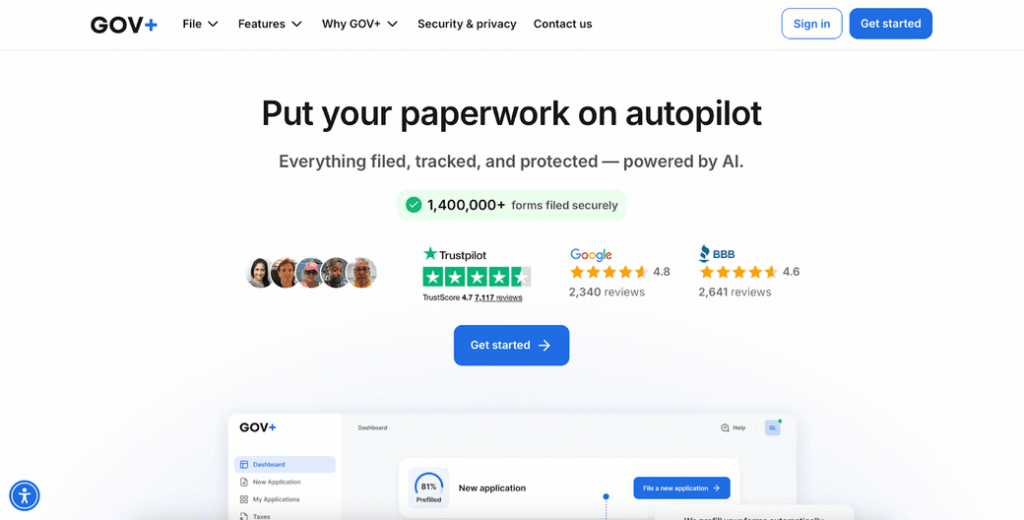
It’s a private company and is not affiliated with any government or state agency. However, it is authorized by agencies, including being a registered passport courier with the U.S. Department of State through Premier Passports LLC.
Is Gov+ a Scam?
No, Gov+ is not a scam. It’s a legitimate service that helps people deal with government paperwork.
User reviews of Gov+ are mixed as of this writing:
- 4.7 out of 5.0 stars (from over 7,000 reviews) on Trustpilot.
- 4.56 out of 5.0 stars (from over 2,500 reviews) on Better Business Bureau.
- 4.8 out of 5.0 stars (from over 2,500 reviews) on Google.
- 1.8 out of 5.0 stars (from over 150 reviews) on PissedConsumer.
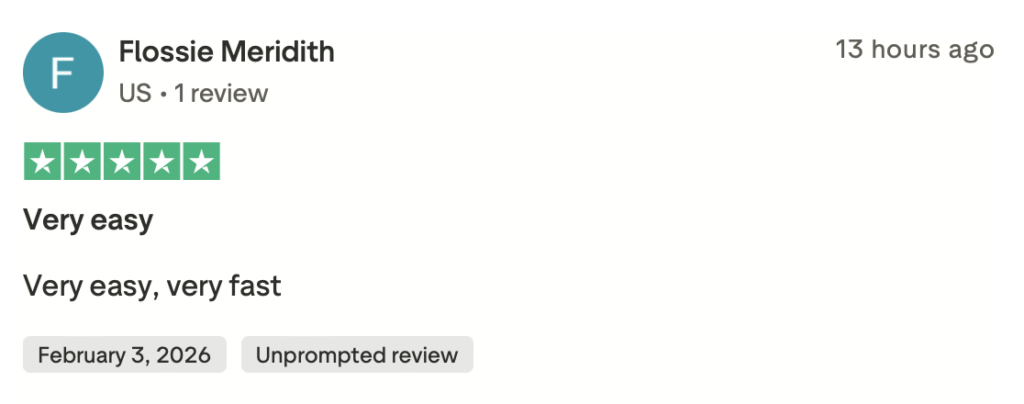
People praise how easy the site is to use and the fact that renewals are quick and easy.
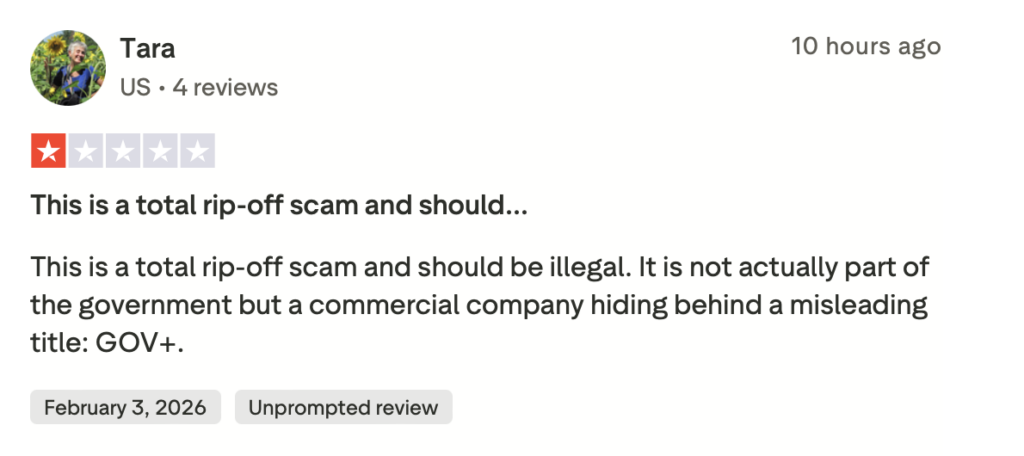
Some individuals complain that the service’s name is misleading, making it seem like it is part of the government versus a commercial entity.
Others complain about delays, photo rejection problems, and poor communication.
On online forums like Reddit, people generally comment that the service is misleading, overpriced, and not worth it.
Gov+ is not Better Business Bureau accredited but holds a “B” rating. BBB ratings are a reflection of how the BBB believes a company interacts with its customers.
As of this writing, Gov+ has received a total of 805 complaints in the last three years, 532 of which have been closed in the last 12 months.
By far the most popular complaint is the misleading nature of the service’s name, with most people saying that they thought they were interacting with a government agency. Other complaints include unexpected fees and refund difficulties, as well as poor communication.
Gov+ security
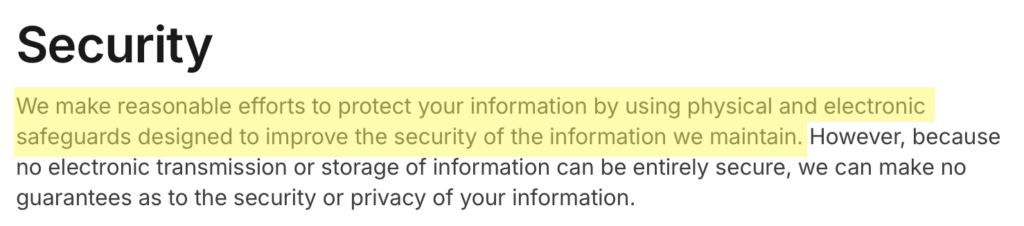
In its privacy policy, Gov+ briefly describes its security measures.
It states it makes “reasonable efforts” to protect your data and uses “physical and electronic safeguards.”
In a separate privacy and security section of its website, Gov+ says it protects its customers’ identities and documents with 256-bit encryption, real-time monitoring, and secure cloud storage.
Gov+ privacy
Gov+ explains in its privacy policy the kind of information it collects, for what purposes, and the parties it shares it with.
It states it may collect the following data:
- Registration and profile information: Name, date and place of birth, address, phone number, social security number, tax identification number, alien registration number, citizenship or visa status, family member details, driver’s license number, medical identification numbers, bank account information, credit card information, structure or type of your business or organization, reasons for application, business address, employee information, and other information necessary to process your application or provide you fraud and identity theft prevention services.
- Communications: Contents of your messages or attachments and other information you provide, as well as when you open emails from Gov+, whether you click on any links within emails, and your location information.
- Payment information: Credit card or other financial information.
- Documents and images: Documents, photo images, and any content you upload.
- Location information: Inferred location information.
- Device information: IP address, web browser type and version, and operating system version.
- Usage information: Content you view, website you visited before coming to Gov+, dates and times of your visits, mouse movements, keystroke patterns, purchases you make, and any content you post.
- Information from cookies and other tracking technologies: Information about your activities on Gov+ and across different services.
- Information from third-party services: Information you consent to send Gov+ about the services the third-party provided to you.
Gov+ may use this information to help you complete and submit government applications, run its services, personalize content to you, process payments, communicate with you, market and advertise its services, analyze usage, create aggregated or anonymized data, prevent fraud, enforce its terms, and comply with legal requirements.
The company states that it may share your data with government agencies (the main purpose of its service), affiliates, subsidiaries, vendors, service providers, analytics companies, advertising partners, law enforcement or courts (when required), companies involved in mergers, acquisitions, or asset sales, and other third parties with your consent.

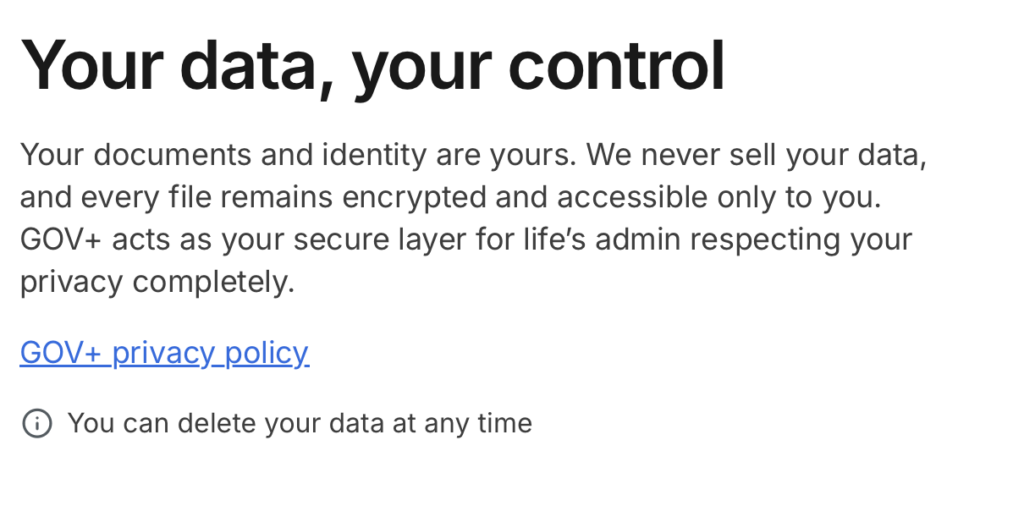
In a separate privacy and security section of its website, Gov+ states that it never sells your data.
Gov+ uses cookies and third-party advertising partners, and notes that you may see targeted ads. You can opt out of some advertising via cookie settings or industry opt-out tools
It honors Global Privacy Control (GPC) signals for opt-out where required.
Users have certain privacy rights when using Gov+. For example, you can update or correct your information by contacting Gov+, opt out of marketing emails, opt out of marketing texts, and request access, correction, or deletion of your data.
Residents of California, Colorado, New Jersey, and Texas have additional legal rights under state privacy laws.
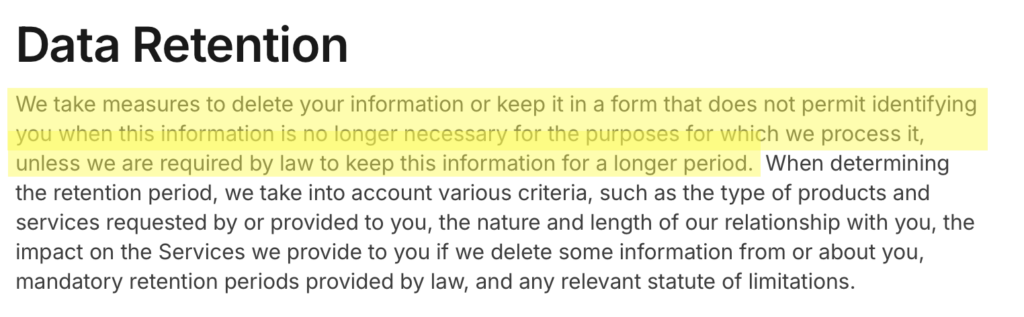
Gov+ may keep your data as long as needed for services, legal reasons, or business purposes. It may keep some data longer if required by law.
So, Should You Use Gov+?
Depends.
If convenience matters more to you than cost and data minimization, then Gov+ can be a good option when it comes to dealing with government paperwork.
How to Use Gov+ Safely and Privately
- Upload the minimum needed. Gov+ collects and retains documents, images, and free-text explanations, so only upload only documents they explicitly require and don’t add extra notes, explanations, or attachments unless necessary.
- Opt out of targeted advertising. GovPlus uses cookies, analytics, and advertising partners and discloses data for marketing and advertising purposes. Opt out of cookies using the cookie banner on the site and turn on Global Privacy Control (GPC) in your browser.
- Opt out of marketing texts. Text “STOP” to opt out of SMS once your application is complete.
- Use a dedicated or masked email address. Use a separate or masked email address just for GovPlus and government services. This limits cross-service tracking and reduces marketing profiling. If you’re a DeleteMe customer, you can use our masked email address.
- Review and delete data after your task is done. Once your application is completed, request deletion of unnecessary data and close your Gov+ account if you no longer need it.

news?

Don’t have the time?
DeleteMe is our premium privacy service that removes you from more than 750 data brokers like Whitepages, Spokeo, BeenVerified, plus many more.
Save 10% on DeleteMe when you use the code BLOG10.