Is Shop App a Scam?

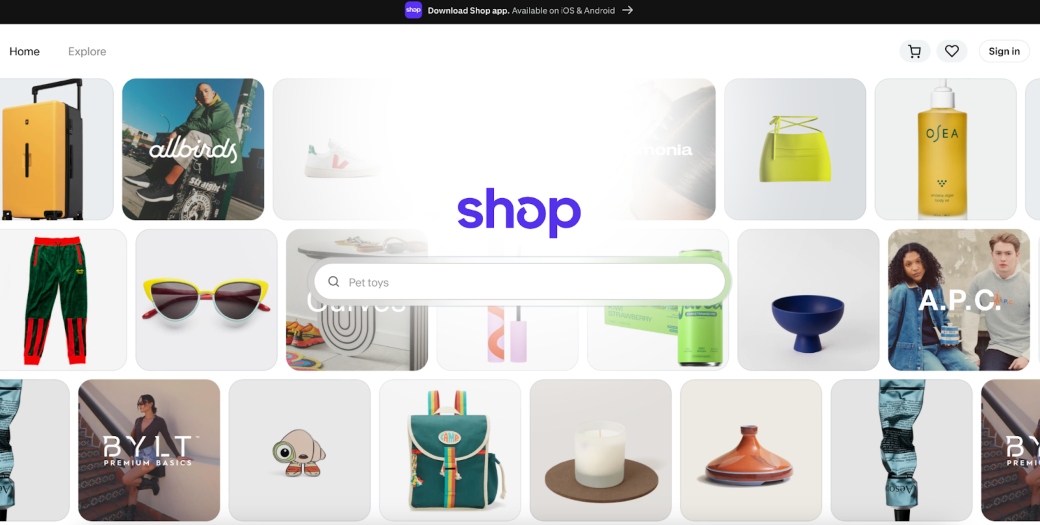
Table of Contents
If you’re thinking of using the Shop App, you need to know whether it’s safe. Is the Shop App a scam?
Below, we explain whether the Shop App is a scam and discuss some steps you can take to improve your safety when using this app.
What Is the Shop App?
Shop App is a free mobile app from Shopify that combines product discovery, order tracking, and one‑tap checkout through its Shop Pay payment option.
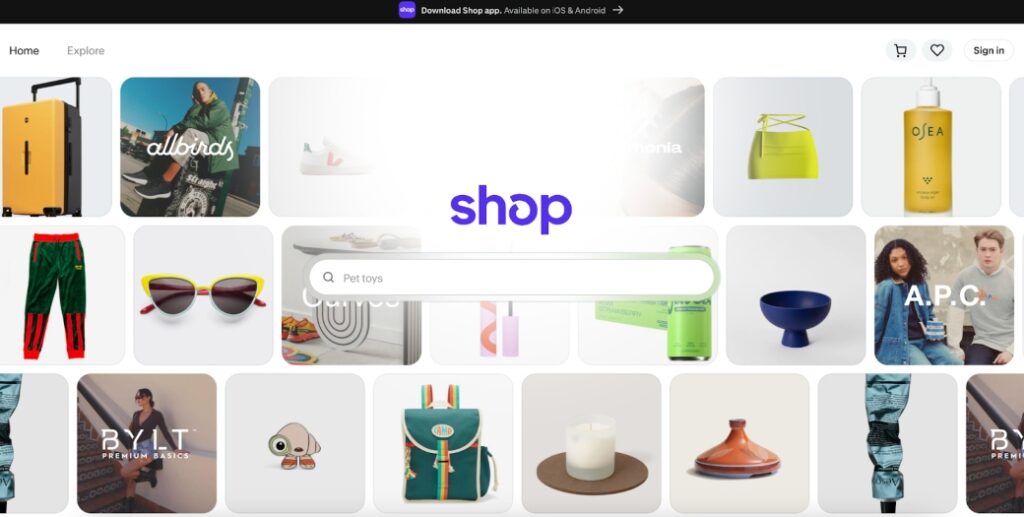
The Shop App grew out of Shopify’s Arrive package-tracking tool in 2020, expanding into a shopping marketplace that syncs with customers’ email accounts for automated delivery updates.
If you want to learn whether Shopify is a scam, read our “Is Shopify a scam” review.
Is the Shop App a Scam?
No, the Shop App is not a scam. It’s a legitimate platform built by Shopify, a publicly traded company.
That said, the app’s marketplace allows third‑party sellers to list products, and scammers sometimes abuse it. There are multiple complaints from both users and shop owners about fake stores and unauthorized charges.
User reviews of the Shop App are mixed:
- 1.1 out of 5.0 stars (from 1,493 reviews) on Trustpilot.
- 4.5 out of 5.0 stars (from 635,623 reviews and 50m+ downloads) on Google Play.
- 4.8 out of 5.0 stars (from 6,326,280 reviews) on the App Store.
Users complain about poor customer service, unverified sellers, and tracking that’s vague, wrong, or late.
Many users report paying for items that either never arrived, arrived as something completely wrong, or came from sellers who disappeared.
Users say contacting Shop.app is difficult. Many describe getting stuck in an AI chatbot loop that shows the message: “Contact the merchant.” Even when the merchant disappears, Shop allegedly provides no help.
On online forums like Reddit, people report varying experiences.
Some people say they’ve never had an issue with the Shop App.

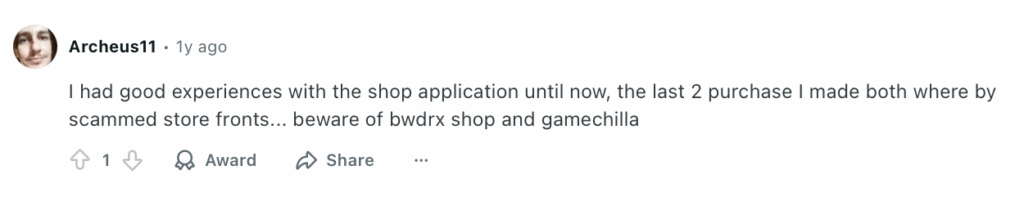
Others describe less positive experiences. One person said: “I had good experiences with the shop application until now, the last 2 purchase I made both where by scammed store fronts…”
Shop App security
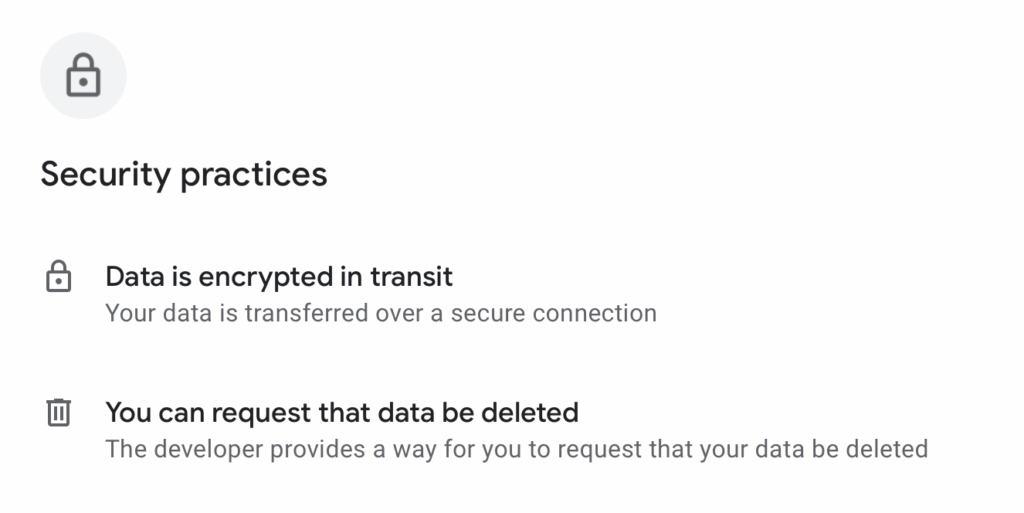
On the Google Play Store, Shopify lists the following security practices for its Shop App: data encryption when data is in transit and the right to request data deletion.
Shop App privacy
The privacy policy for Shopify’s Shop App is the same as for Shopify.
Shopify may collect the following personal information:
- Profile and Contact Information: Name, address, email address, and profile picture.
- Device Information: IP address, device identifiers, cookie IDs, browser information, network connection, and other unique identifiers or device information.
- Payment Information: Payment card number and expiration date.
- Use of Shopify apps and services: Products you view, buy, search for, reviews you post, stores you interact with.
- Activity with Shopify Merchants: Browsing and purchasing data on stores powered by Shopify.
- Settings and Privacy Preferences: Your privacy and notification settings.
- Communications with Shopify: Messages or emails you send to Shopify.
- Social Network Accounts: Data from social logins or connected services.
- Email and Shopping Service Integrations: If you connect your inbox to the Shop App (not used for advertising).
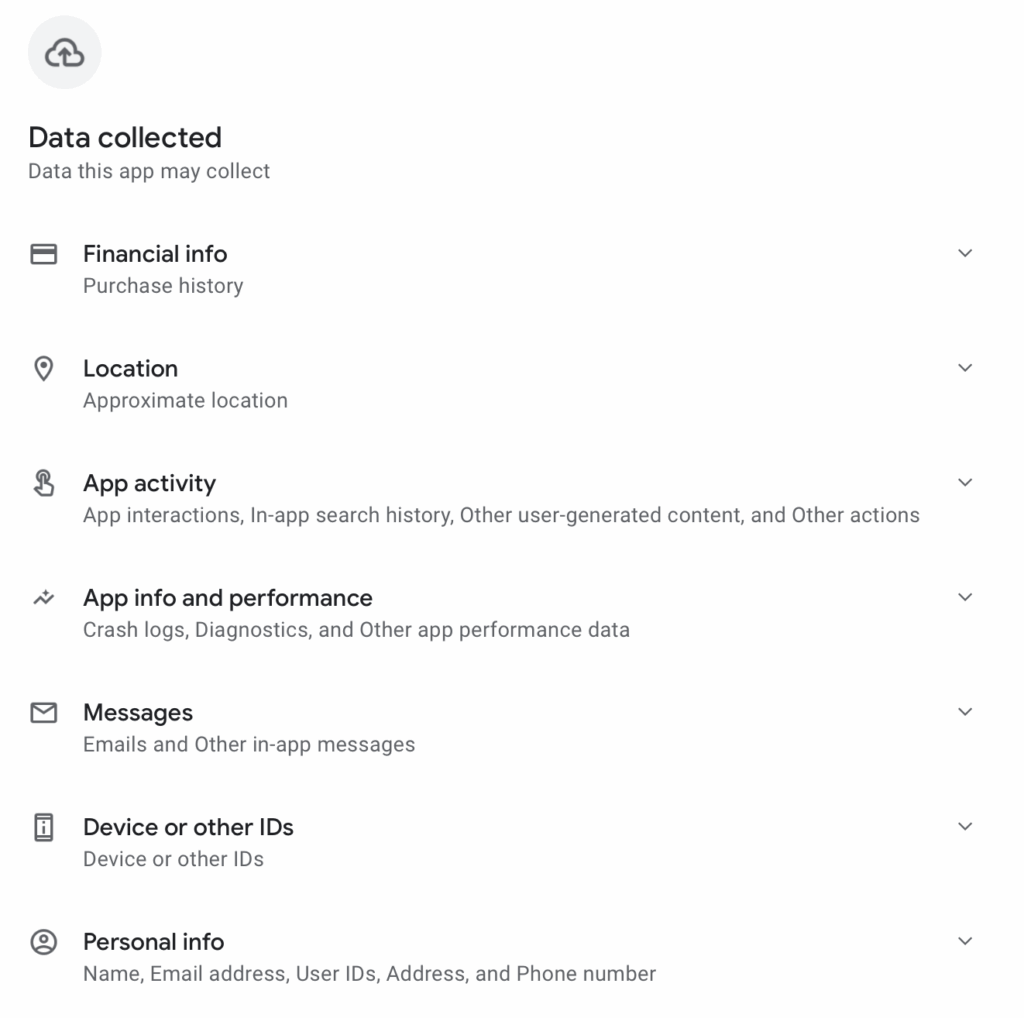
On Google Play, Shopify says its Shopify app may collect financial information, approximate location, app activity, app information and performance, messages, device or other IDs, and personal information. However, some of this information is optional.
Shopify may use your data to provide and improve the shopping/payment experience, customize recommendations and store suggestions, research and develop new features, market and promote Shopify and merchants (with opt-out available), and communicate about accounts, purchases, and updates. It also uses it to protect against fraud and security risks and meet legal and compliance requirements.
The company may share your data with service providers (e.g., payment processors and analytics companies), advertising and marketing partners (for targeted ads, although an opt-out option is available), and companies involved in business mergers or acquisitions. Additionally, with legal authorities (when required) and others (with your consent).
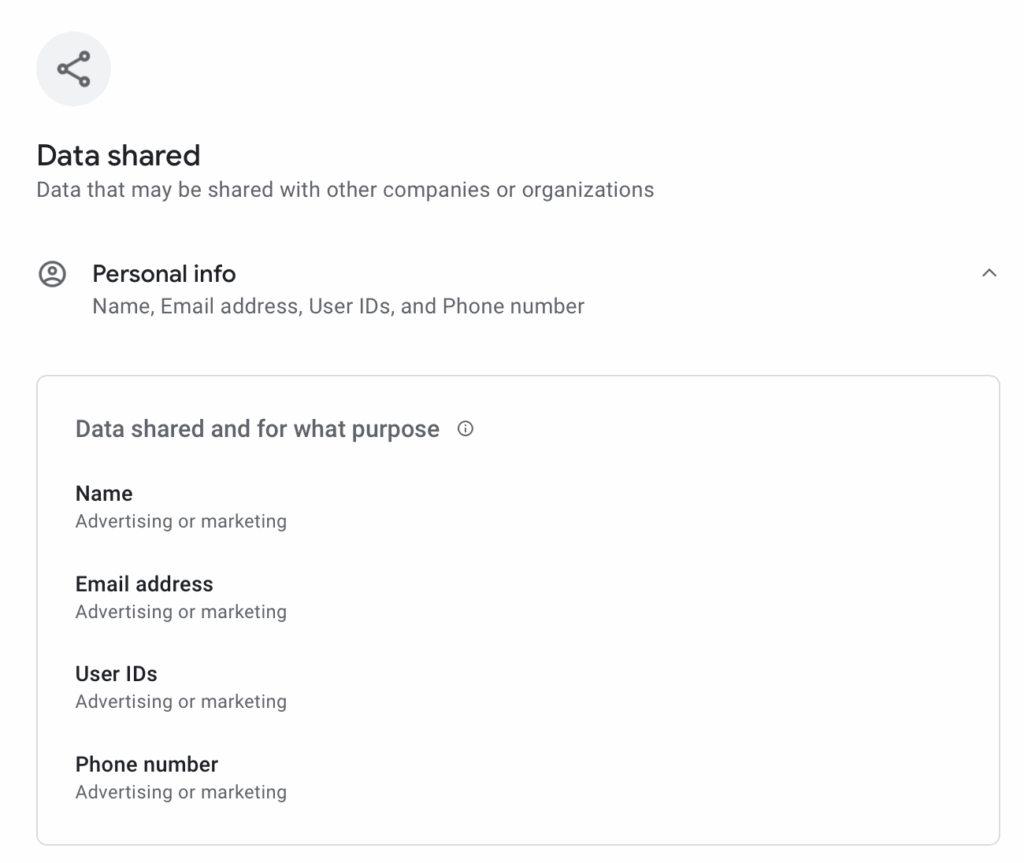
Going back to its Google Play page, Shopify says it may share your personal information (e.g., name, email address, user IDs, and phone number) for advertising or marketing purposes.
Shopify warns that if you click links or use third-party tools, their privacy policies apply, not Shopify’s.
Depending on your location, you may be able to access, correct, or delete your data. You may also be able to opt out of targeted advertising and data sharing.
Shop App users can manage or delete accounts in-app.
The company keeps data as long as necessary for business, legal, or security reasons.
Several third-party review sites have evaluated Shopify’s privacy policy.
Terms of Service; Didn’t Read (ToS;DR), a project that rates internet services’ privacy policies, gives the policy a “Grade E” at the time of writing. This means “The terms of service raise very serious concerns.”
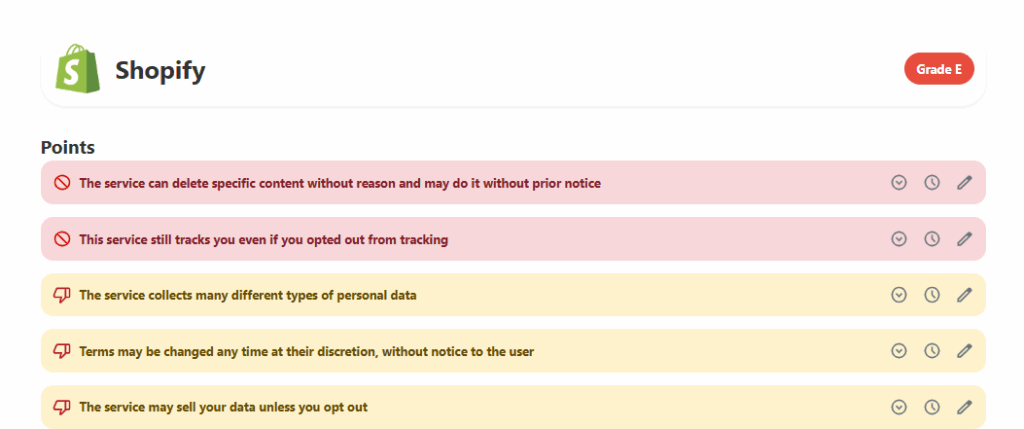
Below are some of the issues ToS;DR flags:
- Shopify can track you even if you opt out of tracking.
- The platform gathers many types of personal data.
- It can sell your information unless you opt out.
On the plus side, ToS;DR notes that Shopify will not let third parties access your personal data without a legal basis and says it will inform and/or notify you in the event of government inquiries that may involve your personal information.
The Common Sense Privacy Program, which also reviews the privacy policies of internet services, gives Shopify’s policy a “Warning” rating at the time of writing. This means Shopify “Does not meet our recommendations for privacy and security practices.”

Shop App email privacy
Online, many people warn that Shop requests broad access to read your email or connect to accounts like Amazon, which they consider invasive.
However, in its privacy policy, Shopify says that linking your email is completely optional.
If you do link your email, Shopify says that the Shop App will scan your emails only for shopping-related messages, such as order confirmations, shipping notices, and receipts.

In its Help Center, Shopify clarifies that the app only scans emails with specific keywords, such as “tracking number,” from the last 30 days.

You can control or revoke this permission at any time through privacy settings in the app or web.
If you don’t want to connect your email, you can still track your orders by either manually entering the tracking numbers or forwarding your order emails to a special Shop email address.
So, Should You Use the Shop App?
Depends.
The Shop App is a good option for tracking packages or checking out with Shop Pay on trusted stores.
However, be cautious when using the marketplace inside the app. Anyone running a Shopify store can appear in the Shop App, and not all sellers are legit. Customers have reported that if something goes wrong, support from the Shop App is minimal.
How to Use the Shop App Safely and Privately
- Only buy from sellers you already trust. Scammers can set up fake storefronts and then disappear, so avoid using the Shop marketplace to discover random sellers. Instead, use Shop only to check out or track purchases from stores you already know are legitimate.
- Double-check the legitimacy of new (to you) sellers. Some users report wrong items, items never arriving, and merchants disappearing. To reduce the chances of things going wrong, avoid merchants with no detailed contact information, vague or unrealistic product descriptions, or prices that are unusually low.
- Contact your payment provider in the event that an order goes wrong. Shop’s customer support often directs users to “contact the merchant,” and may not help if the merchant disappears. If an order becomes problematic, dispute the charge directly with your bank/credit card, rather than waiting for Shop support.
- Don’t connect your email inbox. If you connect your email, the Shop App scans your inbox for order-related messages. However, email connection is optional. To keep your privacy stronger, don’t link your email. You can still track orders by manually entering the tracking number or forwarding order emails to the special address the app provides.
- Review and adjust your privacy settings in the Shop App. You can manage or delete your Shop account, adjust data sharing or tracking preferences, and revoke email access if you’ve already granted it.
- Opt out of targeted advertising and data sharing. Shopify may share personal data for advertising purposes, but you can opt out. Look for an option like “Do Not Sell or Share My Information” or “Opt Out of Personalized Ads.”
- Don’t click on suggested products. Shop uses data to customize recommendations and track stores you interact with to reduce profiling.

news?

Don’t have the time?
DeleteMe is our premium privacy service that removes you from more than 750 data brokers like Whitepages, Spokeo, BeenVerified, plus many more.
Save 10% on DeleteMe when you use the code BLOG10.