
How to Remove Yourself from Address Search
How to Remove Yourself from Address Search


DeleteMe’s Address Search Review
Address Search is a data broker that posts personal information online. To remove yourself from Address Search, you must send an opt-out request through their contact page. After that, it will take 24-48 hours for your listing to be removed.
| Speed: 3 | Difficulty: 1 |
|---|---|
 |
 |
How to Remove Yourself from Address Search
1. Go to https://www.addresssearch.com/remove-info.php
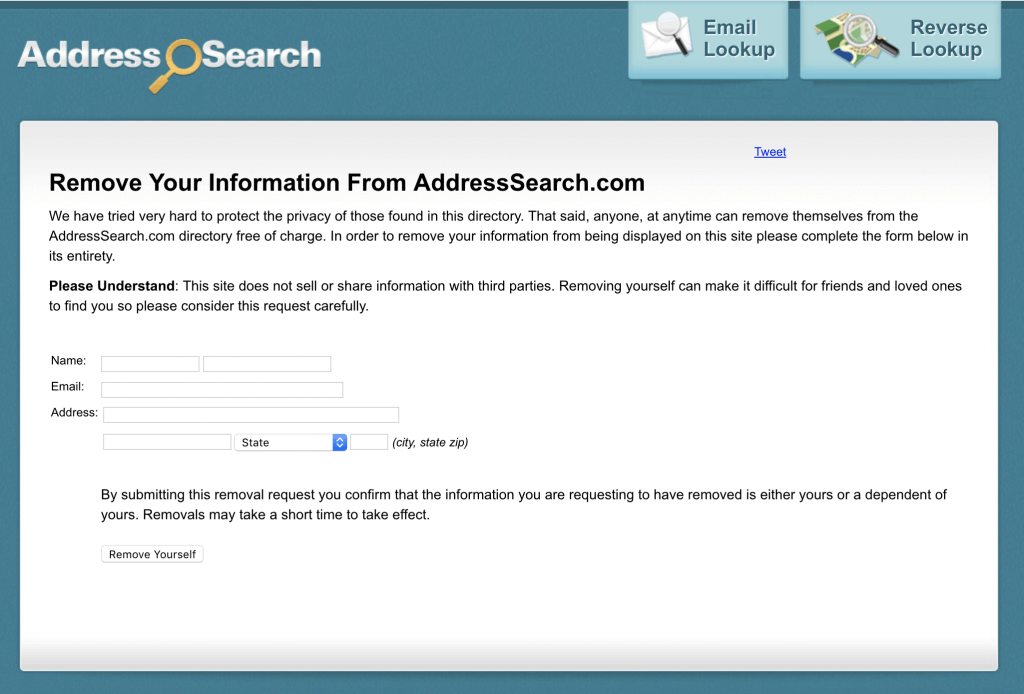
2. Fill out your information as it appears in your listing. If they don’t already have your email address, we recommend using a masked email.
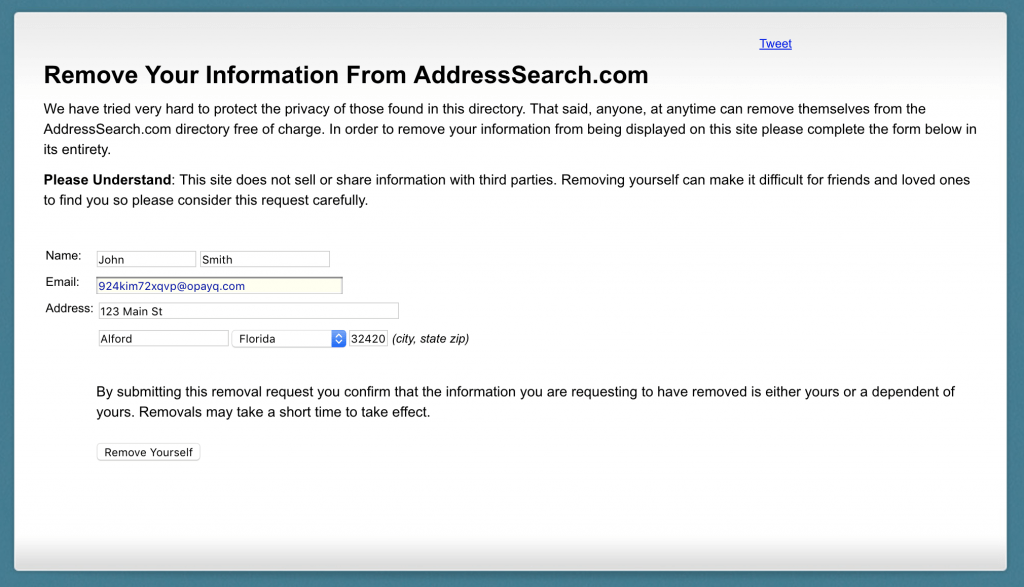
3. Your information will be removed in 24-48 hours.
SHARE THIS ARTICLE


Want more privacy
news?
news?

Don’t have the time?
DeleteMe is our premium privacy service that removes you from more than 750 data brokers like Whitepages, Spokeo, BeenVerified, plus many more.
Save 10% on DeleteMe when you use the code BLOG10.
Related Posts

Whitepages Opt-Out Guide
Learn how to complete a Whitepages opt-out and remove your personal information from this data broker. Or, DeleteMe can handle the removal for you.

Featured Data Broker — ZabaSearch: Opt-Out and Learn More
ZabaSearch is a data broker site owned by Intelius that posts your personal information online. Use this guide to complete a ZabaSearch opt-out…

Featured Data Broker — TruthFinder: Opt-Out and Learn More
TruthFinder is a data broker that collects, posts, and sells personal information online. Use this free guide to learn more about TruthFinder, opt-ou…