
How to Remove Yourself from Background Alert


DeleteMe’s Background Alert Review
Background Alert is a data broker that collects your information and posts it online. Opting-out and removing yourself from Background Alert requires you to fill out an opt-out form and verify your identity by uploading your ID. After this, your information will be removed within seven business days.
| Speed: 5 | Difficulty: 2 |
|---|---|
 |
 |
How to Remove Your Information From Background Alert
1. Go to their opt-out page and search for your listing.
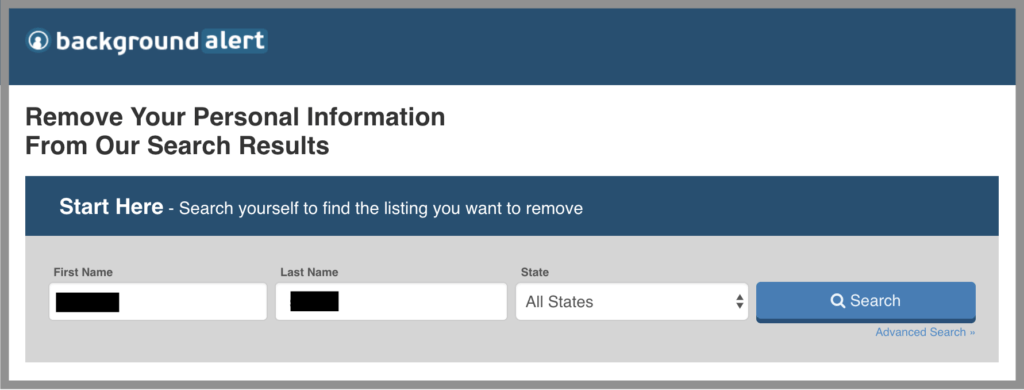
2. Find your result and click “That’s Me”.

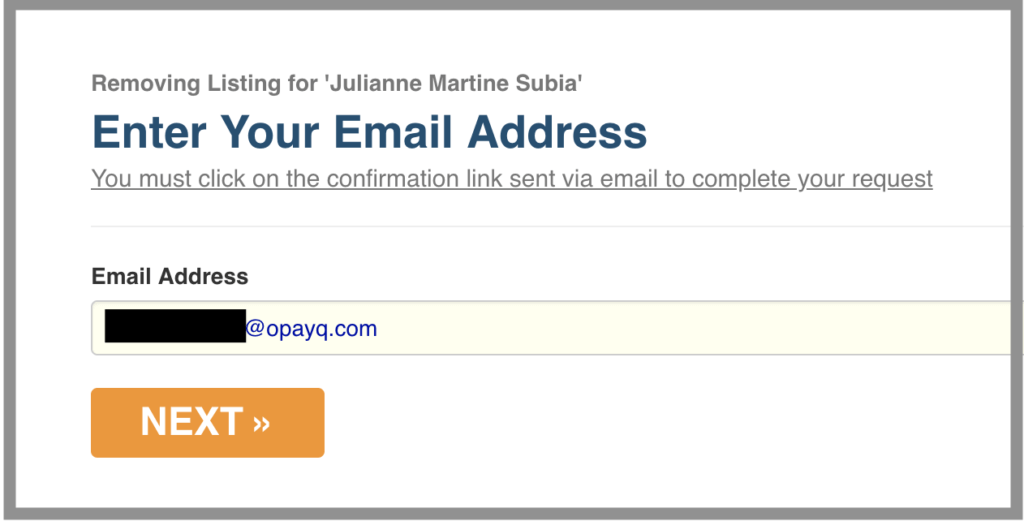
3. Enter your email address so that they can send you a confirmation email (we recommend using a masked email).
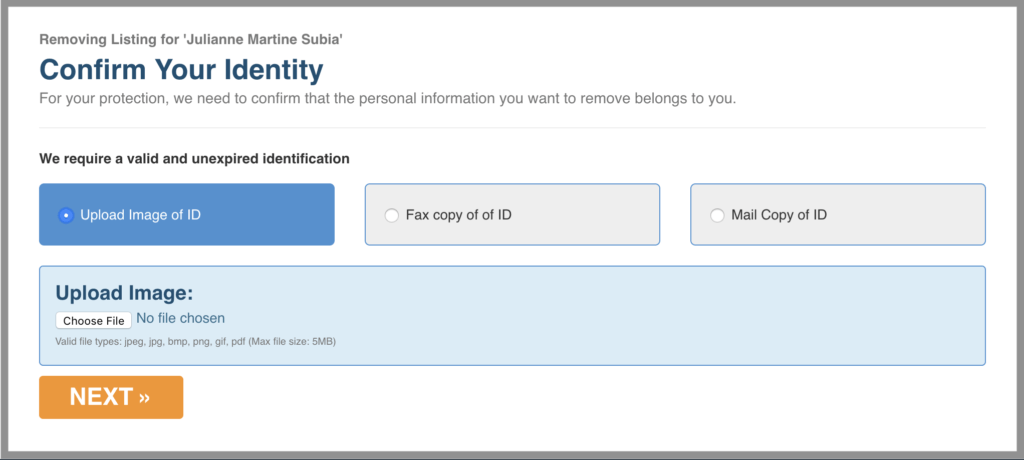
4. You will need to send your ID to confirm your identity.
a. The easiest way is to upload it directly here. You may simply take a photo of your ID on your phone. Be sure to block out your photo, signature, and ID number. You can do this with paper before taking the picture, or digitally on your phone or computer.
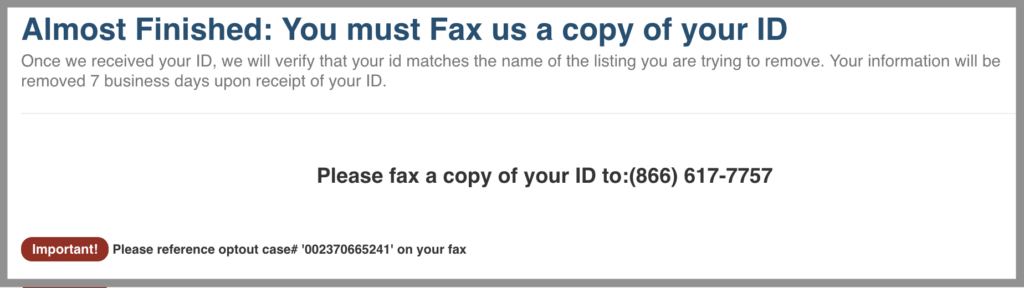
b. You may also fax a copy to (866) 617-7757. Again, be sure to block out your photo, signature, and ID number, and provide the reference number. Also, be sure to reference your opt-out case number.
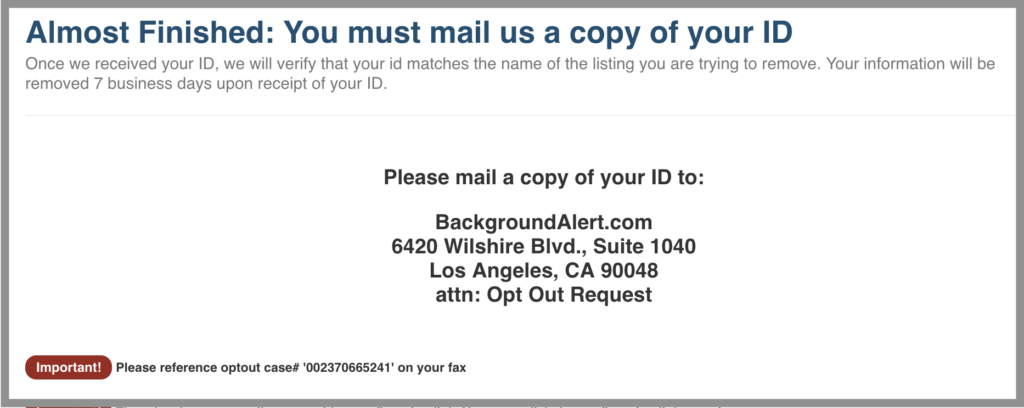
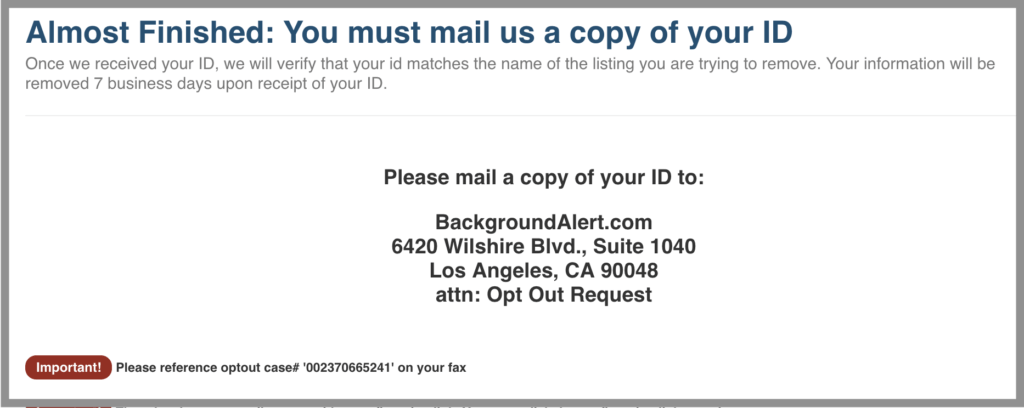
c. Finally, you could also send a copy to:
BackgroundAlert.com
6420 Wilshire Blvd., Suite 1040
Los Angeles, CA 90048
attn: Opt Out Request
Once more, be sure to block out your photo, signature, and ID number, and provide the reference number. Also, be sure to reference your opt-out case number.
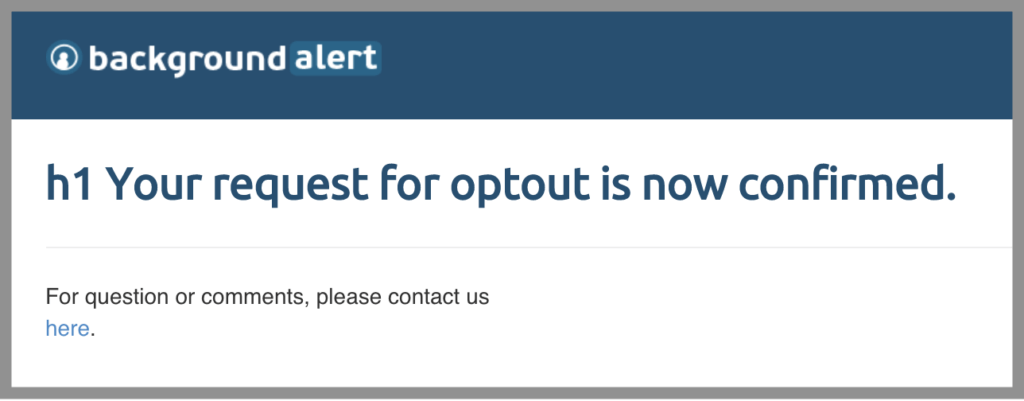
5. Open the email they sent you and click the link.
6. Your information will be removed within seven business days.


news?

Don’t have the time?
DeleteMe is our premium privacy service that removes you from more than 750 data brokers like Whitepages, Spokeo, BeenVerified, plus many more.
Save 10% on DeleteMe when you use the code BLOG10.
Related Posts

Whitepages Opt-Out Guide

Featured Data Broker — ZabaSearch: Opt-Out and Learn More
