How to Delete Your Southwest Account

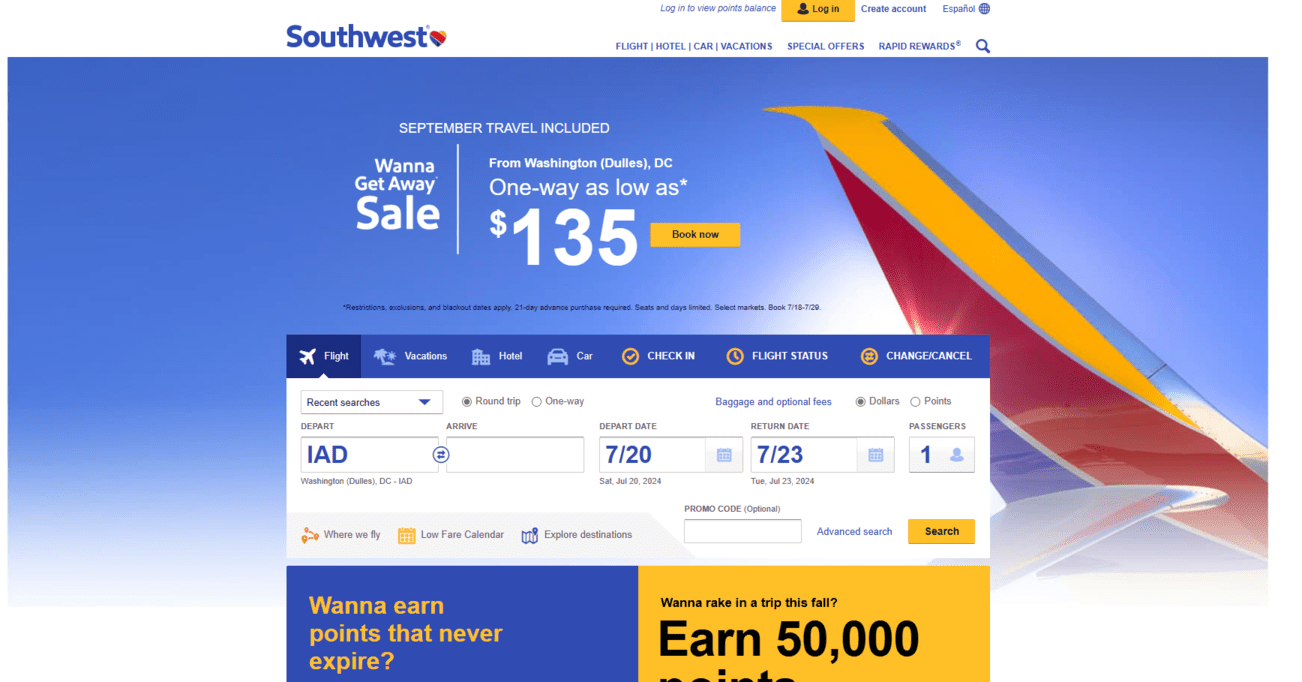
Table of Contents
To delete your Southwest account, you need to complete a request process. After this, your Southwest account should be permanently closed after a waiting period. Deleting your Southwest account is a good first step to improving your privacy, however, to completely scrub your public data from the web, consider an automated removal service like DeleteMe.
| Speed: 3 | Difficulty: 3 |
|---|---|
 |
|
Walkthrough to Delete Southwest Account
Delete your Southwest account in three steps.
1. Access the Southwest website
Go to the Southwest website.

2. Log into your account
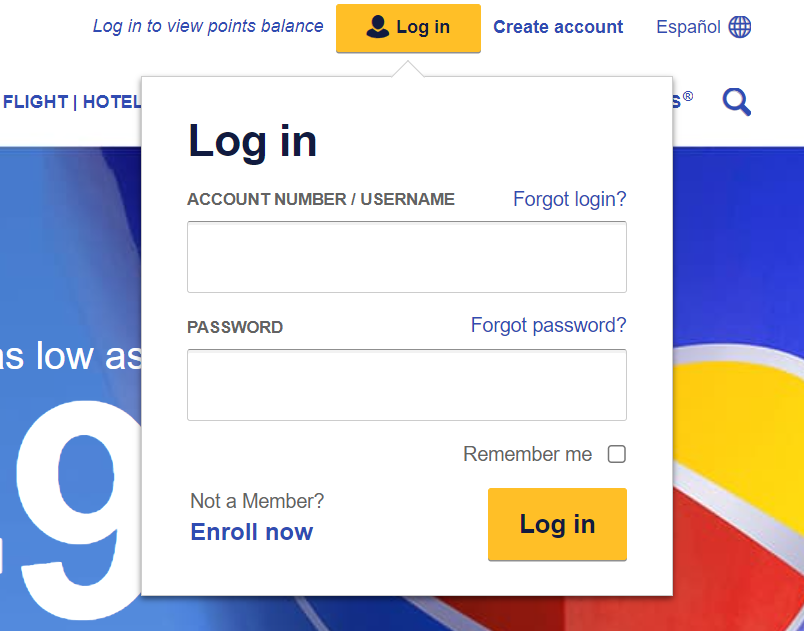
Click the “Log in” button located in the top right.
Enter your credentials.
3. Fill out the form
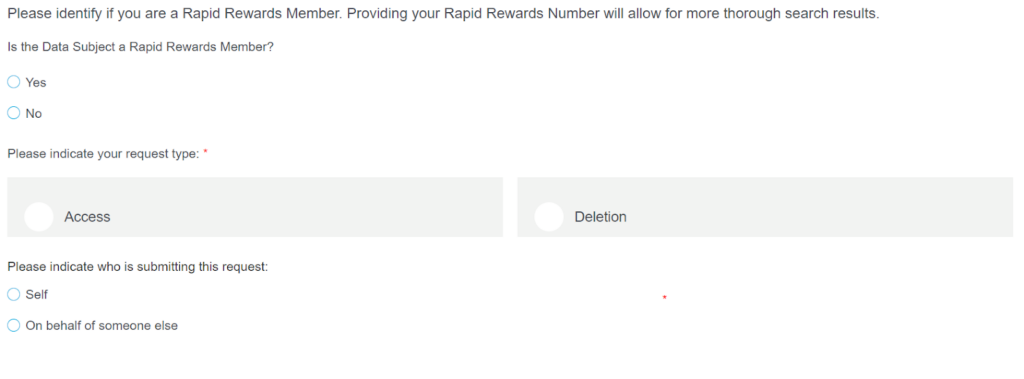
You will need to fill out and submit a form requesting that all your personal data and profile be deleted.
You can access Southwest’s data deletion form here.
Your southwest.com account is in the process of being deleted.
Learn More
- See how to delete your Amazon account information.
- Learn how to delete your Zillow account.
- Read how to delete your Tripadvisor account.
- Try out our free scan to see where your information might be exposed and put you at greater risk online.


news?

Don’t have the time?
DeleteMe is our premium privacy service that removes you from more than 750 data brokers like Whitepages, Spokeo, BeenVerified, plus many more.
Save 10% on DeleteMe when you use the code BLOG10.
Related Posts

How to Delete Your WhatsApp Account