How to Delete Your CBS Sports Account

Table of Contents
To delete your CBS Sports account, you need to complete a request process. After this, your CBS Sports account should be closed permanently after a waiting period.
| Speed: 3 | Difficulty: 3 |
|---|---|
 |
|
Walkthrough to Delete Your CBS Sports Account
Delete your CBS Sports account in six steps.
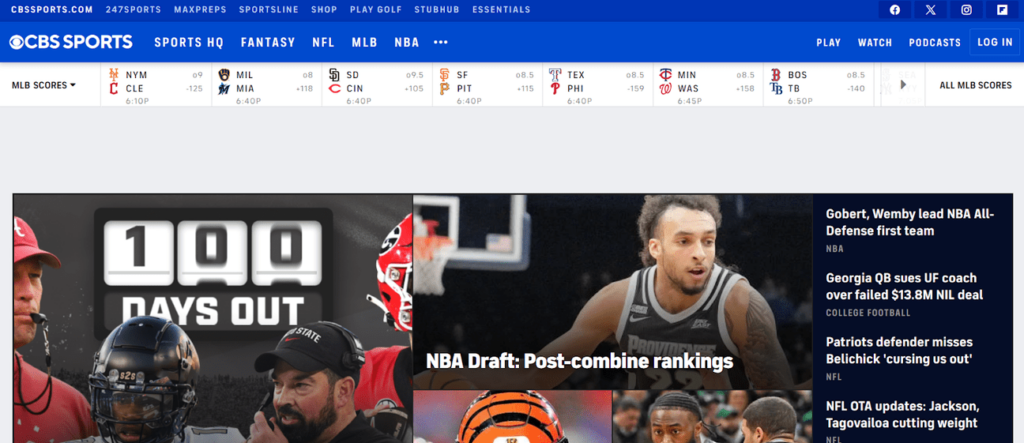
1. Access the CBS Sports website
Go to the CBS Sports website.
2. Log into your CBS Sports account
Click the “LOG IN” button in the top right.
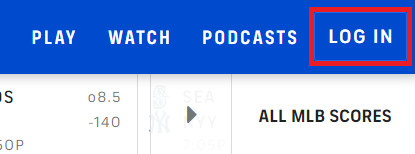
You will be redirected to the CBS Sports login page.
Enter your credentials and click “Log In.”
You can also access the CBS Sports login page here.
3. Click “HELP” in the footer
Scroll down to the bottom of the page and click the “HELP” link in the footer.
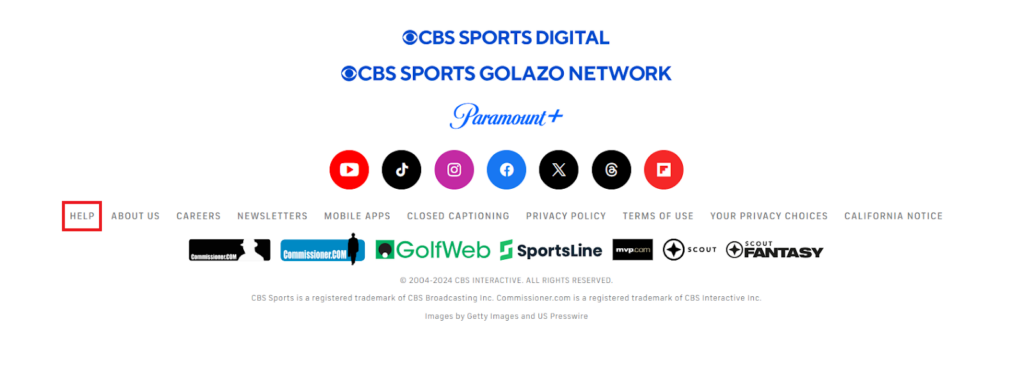
You can also access the CBS Sports HELP page here.
4. Click “CONTACT US”
Click the “CONTACT US” button in the top right.
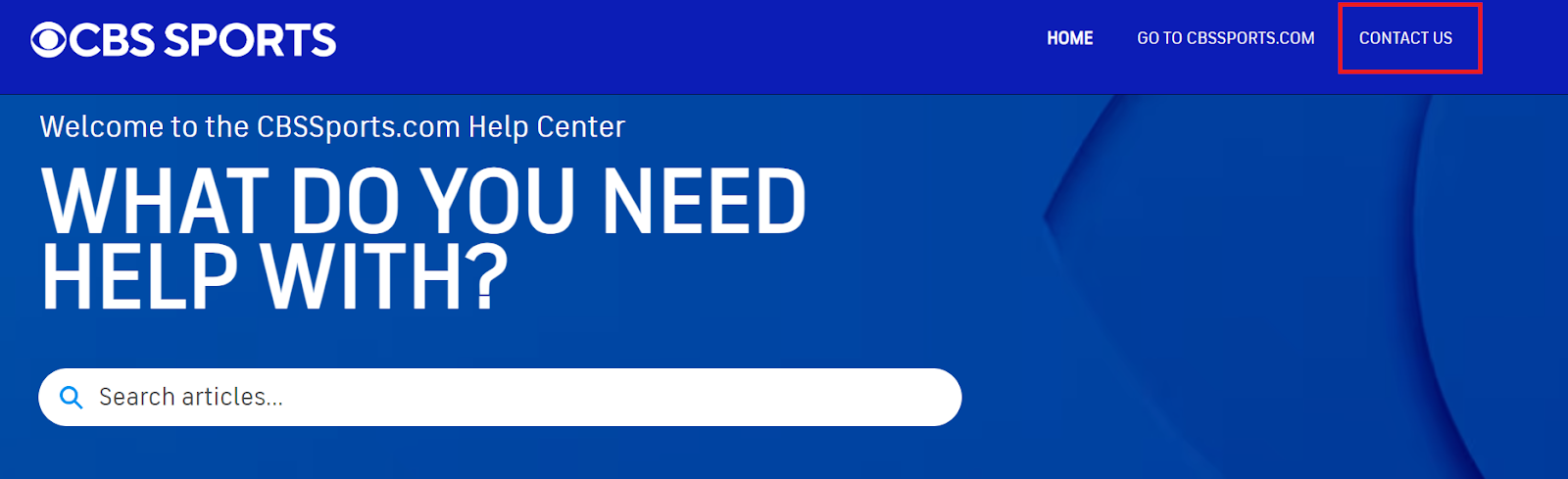
5. Click “ACCOUNT,” “FORGOT PASSWORD” and “STILL NEED HELP?”
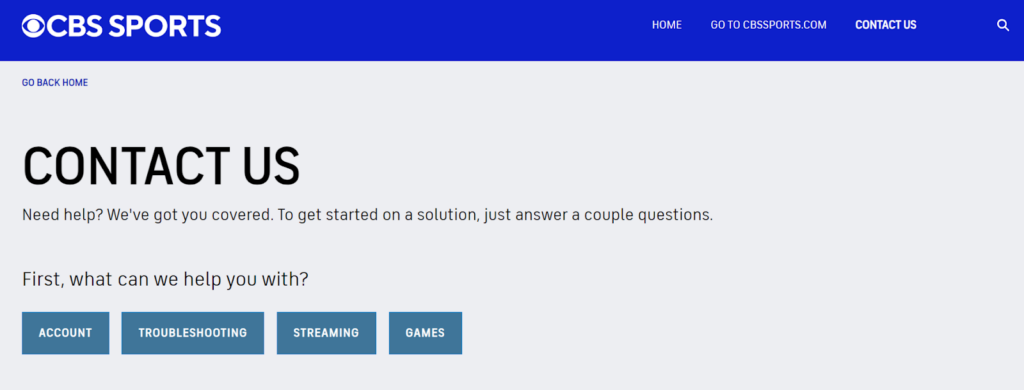
You will be redirected to the CBS SPORTS contact page.
Click the “ACCOUNT” button under ‘First, what can we help you with?’
Select any one of the available options to display the ‘STILL NEED HELP?’ button (we selected “FORGOT PASSWORD.”)
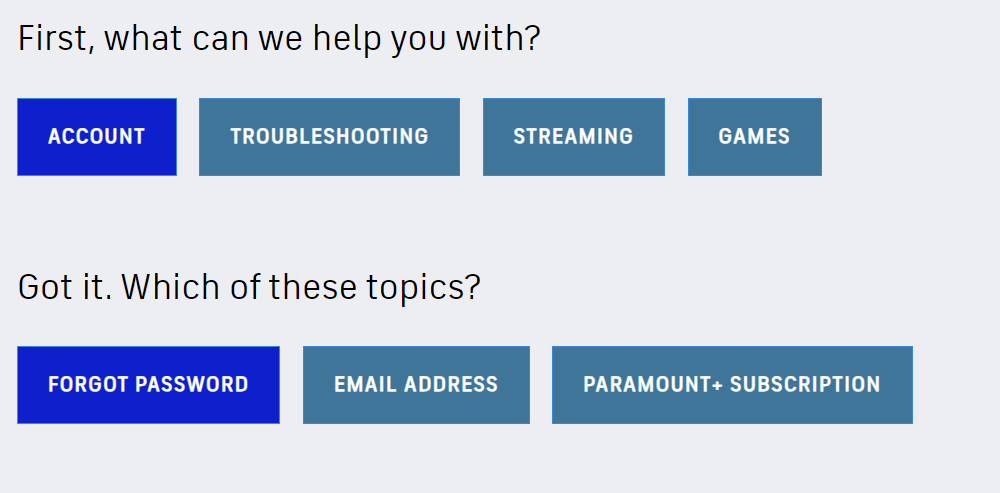
Click the “STILL NEED HELP?” button.
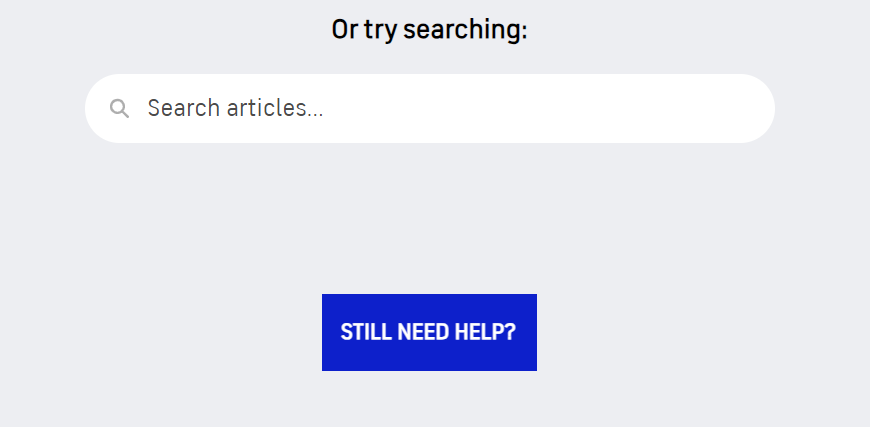
You can also access the CBS Sports STILL NEED HELP? form here.
6. Fill out the form
You will be redirected to an online form. Fill it out.
Enter your first name, last name, email address, subject, and description.
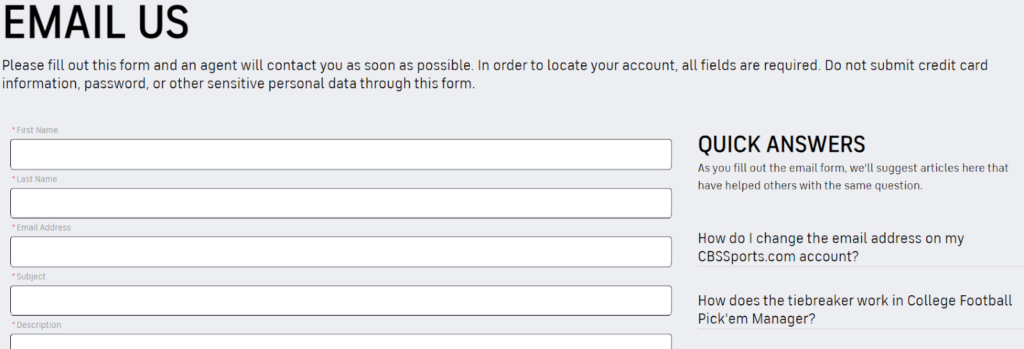
Select “Account Information” from the drop-down ‘Category’ menu.
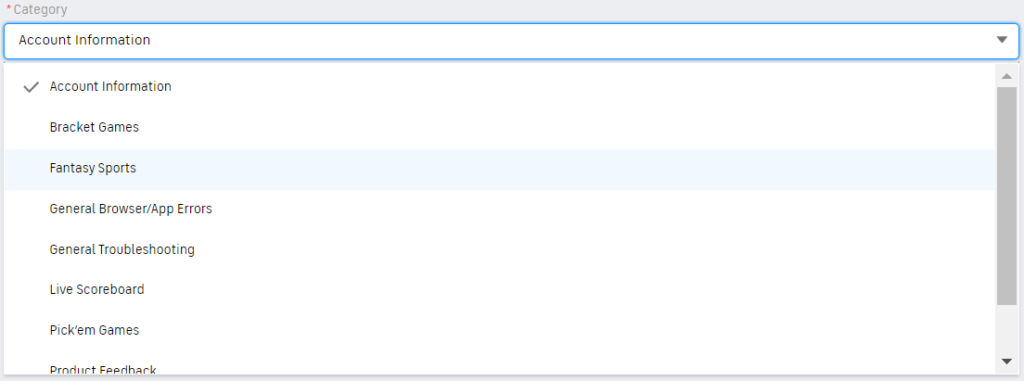
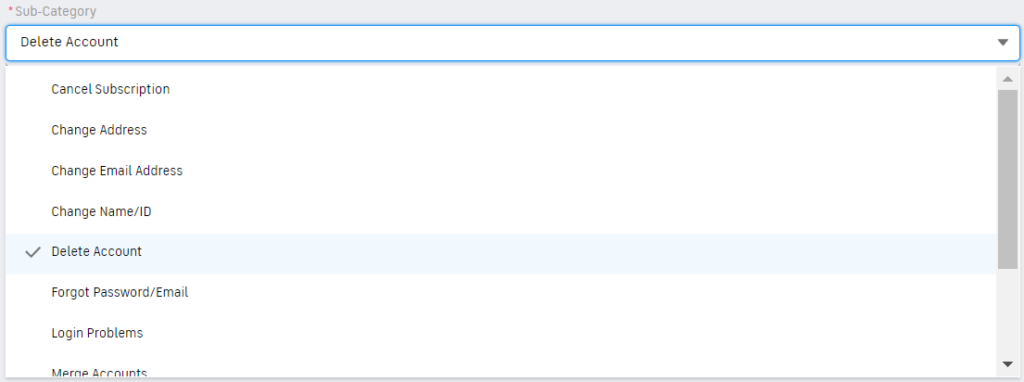
Select “Delete Account” from the drop-down ‘Sub-Category’ section.
Select the option that fits the device you are submitting this request from in the ‘Platform’ section.
Click the “SUBMIT” button.

You will see a pop-up message with your case number. Save this number in case you need to contact customer support regarding your request.

You have completed a CBS Sports account deletion process.
Manage Additional Privacy Choices
Even though you have requested to delete your CBS Sports account, some of your personal information may still be retained by cbssports.com.
To exercise additional privacy measures, follow the steps below.
Make a data deletion request (California, Colorado, Connecticut, Montana, Oregon, Texas, Utah, or Virginia resident)
To request a deletion of all the data associated with your CBS Sports account, fill out the data deletion form here.
Opt out of targeted marketing
To opt out of targeted advertisements, fill out the opt-out form here.
Learn More
- See how to delete your CBS News account information.
- Learn how to delete your ESPN account.
- Read how to delete your New York Times account.
- Try out our free scan to see where your information might be exposed and put you at greater risk online.

news?

Don’t have the time?
DeleteMe is our premium privacy service that removes you from more than 750 data brokers like Whitepages, Spokeo, BeenVerified, plus many more.
Save 10% on DeleteMe when you use the code BLOG10.
Related Posts
How to Delete Your WhatsApp Account