
How to Remove Yourself from PublicRecords360


DeleteMe’s PublicRecords360 Review
PublicRecords360 is a data broker that posts personal information online. Removing yourself from PublicRecords360 submit an opt-out form and also fax an opt-out request. Your information will be removed in 7-14 days.
| Speed: 5 | Difficulty: 5 |
|---|---|
 |
|
How to Remove Yourself from PublicRecords360
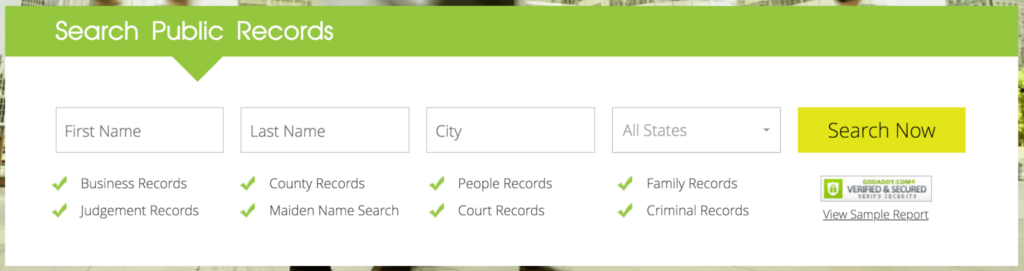
1. Go to https://www.publicrecords360.com/ and search for your listing.
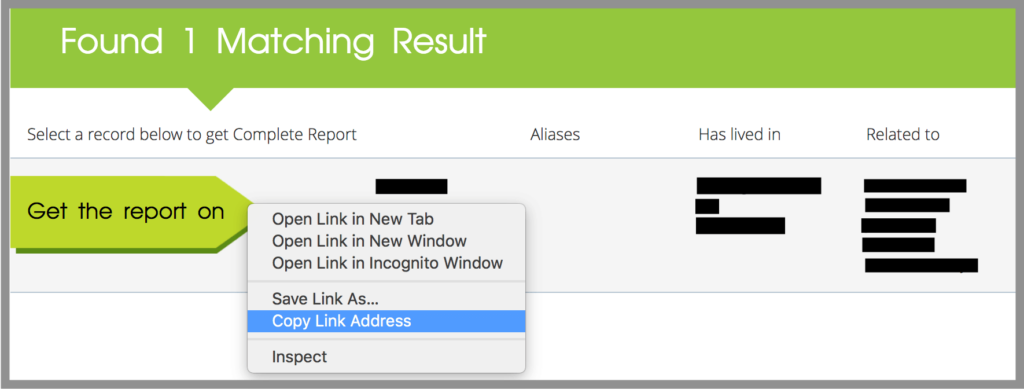
2. Copy the url of your listing by right-clicking on “Get the report on” and clicking “Copy Link Address”.
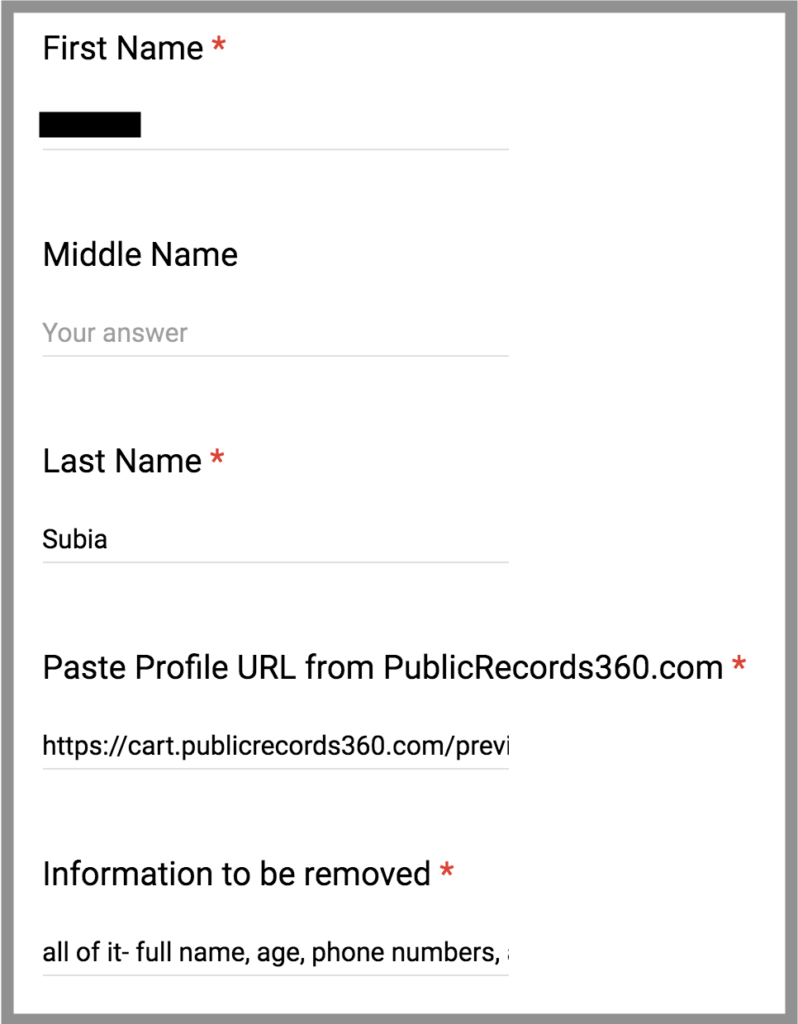
3. Go to https://www.publicrecords360.com/optout.html and fill out the opt-out form.
We recommend using a masked email.
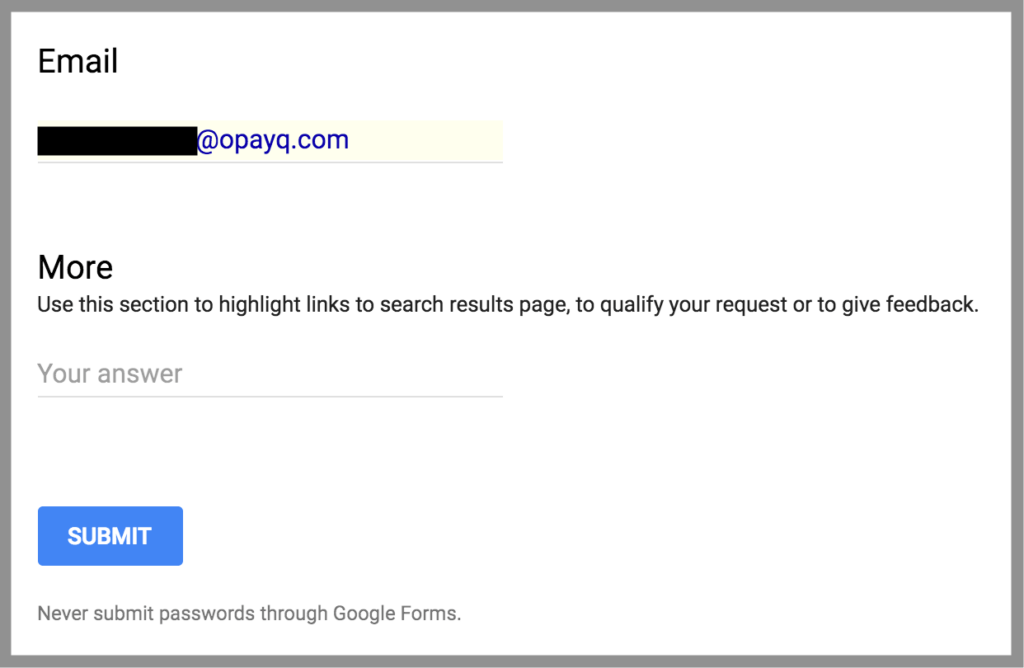
4. You must verify your request by fax or email. When you fax or email PublicRecords360, you must:
- Include:
- The information you trying to remove as it is listed (full name, DOB, current address, phone number, relatives’ names, etc)
- A copy of your ID (with the photo, signature, and ID number blocked out)
- Send it to:
- email: [email protected]
- OR fax: 425-974-6194
5. Your information should be removed within 7-14 days.
If you need data broker removal services compared, check out our page.


news?

Don’t have the time?
DeleteMe is our premium privacy service that removes you from more than 750 data brokers like Whitepages, Spokeo, BeenVerified, plus many more.
Save 10% on DeleteMe when you use the code BLOG10.
Related Posts
Whitepages Opt-Out Guide

Featured Data Broker — ZabaSearch: Opt-Out and Learn More
