


Welcome to the October 2026 issue of Incognito, your monthly privacy and security deep dive with DeleteMe.
This month:
- Cybersecurity Awareness Month and Your Privacy: Sounds boring, but breaches are up. Here’s how to stay ahead of them.
- ID Verification Is Broken: 153 million driver’s licenses are in criminal hands. ID verification systems are broken. Hear more on What the Hack?
- DeleteMe Book Club: Yep, we have a book club. On October 29th, we’re going live with Robin Dreeke, the writer of Sizing People Up. Register to join us here.
- Recommended Reads: DeleteMe released a new AI in Social Engineering report with 451 Research, 153 million driver’s licenses showed up on the dark web; a top data broker lost its domains in a data privacy lawsuit; the FBI just got hacked.
- Q&A: How can you protect yourself after a data breach?
- Going Ghost is Hitting the Road: Going Ghost is a live DeleteMe workshop and privacy risk briefing, and it’s coming to a city near you. Read more or request a session here.
Cybersecurity Awareness Month and Your Privacy
October is Cybersecurity Awareness Month 2026.
It so happens that mentioning Cybersecurity Awareness Month is a great way to make most of us roll our eyes. Setting aside a month to focus on what we’re already doing every day feels performative at best.
To help kill the boredom, here are five tips you’ve probably never heard of and might actually use.
1. Stop replying “Y”
We’ve all gotten those texts, whether for an “unpaid toll,” “missed jury duty,” a “package delivery,” or a “doctor appointment.” They come with a link. On Android, if you tap the link, you download malware or are directed to a fake website that steals your info. iPhones make links from unknown senders unclickable until you reply.
Scammers know this trick. They text “Reply Y to confirm” to unlock the link. Never reply to a text you don’t recognize, and definitely don’t click links in texts. Check in through a legitimate app or website instead.
2. Skip the unsubscribe
Most of us are getting overwhelmed by spam and scam emails these days. In fact, more than half of emails sent globally are spam. That means someone has signed you up for a list you never agreed to.
Your instinct is to get off that list fast. Don’t. Clicking unsubscribe on obvious spam tells the sender your email is live. Delete and block instead. This goes for Gmail and Apple’s built-in unsubscribe buttons too.
3. Reboot to kill malware
Even with the best protections, there’s a good chance you’ll eventually run into malware or unwanted tracking on your phone. So reboot your phone once a week. The NSA recommends this because some malware and adware run only in temporary memory and won’t survive a restart.
A reboot can interrupt certain zero-click exploits before they take hold. It’s also a great way to clear out session-based tracking scripts and reduce data that builds a pattern of your daily movements and habits. In other words, it’s good for your security and your privacy.
4. Use physical security keys
Multi-factor authentication has been the gold standard for account takeover prevention for a long time.
The principle is simple. To get into your account, you combine at least two of three factors: something you know (typically a password or PIN), something you have (your phone, laptop, or a hardware security key), and something you are (a biometric identity marker like a fingerprint or face scan).
Most everyday MFA relies on two of these; for example, a password (what you know) plus a one-time code sent to your phone. The code proves ownership of your phone and fulfills the “what you have” requirement.
The trouble is, cybercriminals have learned how to get around that. Codes and push notifications can be phished or intercepted. One common method is a site that looks genuine and asks for your Google account login. Once you log in and finish the two-step verification process by entering your one-time code, that information is forwarded to the cybercriminal or bot behind the site, which can then use it to log into your Google account.
Use a physical security key for MFA. A hardware key can’t be phished and won’t work for a lookalike site. It’s one of the strongest defenses against account takeover available today.
5. Harden steganography defenses
Steganography sounds fancy. It’s actually a simple way to hide malicious code or stolen data inside ordinary-looking files: images, audio clips, even memes.
Digital files are composed of millions of tiny data points, such as the individual pixels in an image. Steganography works by making micro-tweaks to the least critical parts of this data. The adjustments are invisible to the human eye, but a specialized program can scan those tiny changes and assemble them into a hidden message or command.
To deliver malware, an attacker sends an ordinary-looking image, and once it is downloaded, a program on the victim’s device extracts and runs the hidden code.
Risk goes up when you open files from unknown sources or use unofficial apps to view them. Stick to trusted apps and sources, and keep your software updated so hidden threats can’t execute.
Small habits close real gaps. Start with these.
ID Verification Is Broken
Our entire modern identity verification system may be toast.
A dark web marketplace called Nexus offered up a staggering treasure trove: digital scans of the front and back of over 153 million driver’s licenses, along with travel documents and medical records from people across the U.S. and Canada (mostly from the U.S.). This isn’t a typical breach of passwords and usernames. All the locks on the digital doors just got a lot easier to open.
Host Beau Friedlander dove headfirst into the fallout on What the Hack? alongside our CEO and co-founder, Rob Shavell.
They talked about who’s exposed. If you’ve ever rented a car, bought alcohol, applied for a firearm permit, walked into a dispensary, or traded in a game at GameStop, your ID may have been scanned, stored, and now might be sitting in a hacker’s open browser tab. Even big-name figures weren’t spared. Secretary of Defense Pete Hegseth and the assistant director of the FBI were compromised.
What does this mean for you? Now that bad actors possess the actual front-and-back images and various other types of data, they can cross-reference the information with data brokers to bypass help desk recovery checks, unfreeze credit, and breach systems with ease. In addition, many of the records included home addresses and other personal information that could put executives and government officials at risk of serious bodily harm.
So how do we fix a system where digital identity verification no longer works?
As Rob explained, we’re going to see more friction in our day-to-day lives. Pretty soon, the only way to prove you’re actually you will be to physically drive to a local pharmacy or branch and show your face in person.
Listen to the latest episode to hear more takeaways from the IDScan breach investigation.
DeleteMe Book Club with Robin Dreeke — Live, Oct 29
The DeleteMe Book Club is a live conversation, every cycle, with the actual person who wrote the book — no reading required to show up. The point is the same one DeleteMe’s built around generally: the less a stranger can read about you, the harder you are to read, predict, or con. Robin Dreeke is the first guest making that case in person.
Robin spent 21 years at the FBI professionally figuring out who was lying to the U.S. government, eventually running the Bureau’s entire Counterintelligence Behavioral Analysis Program — a hell of a resume line for a guy who now just wants to teach you whether your new hire is full of it. Before that, he was a Marine Corps officer, because apparently “read people for a living” needed a warm-up act.
These days he teaches a MasterClass on reading people and wrote a book, Sizing People Up, that boils two decades of spycraft into six repeatable steps. He’ll tell you, unprompted, that none of it is manipulation. It’s practically his tagline at this point.
On Oct 29, he’s running that six-step system live, for us. Bring the person you can’t get a read on and put him to work.
Register here for free, no reading required.
Recommended Reads
DeleteMe and 451 Research Release New AI Social Engineering Report
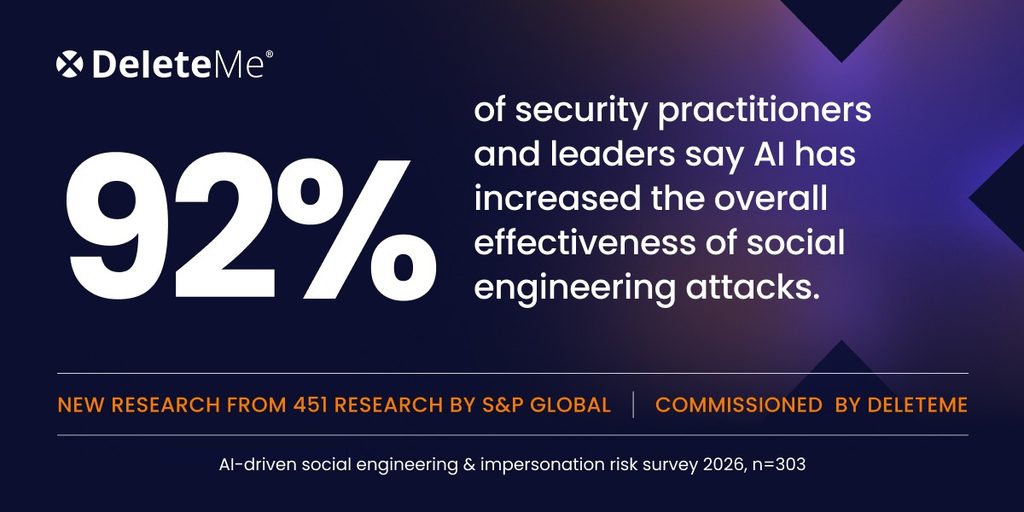
DeleteMe partnered with S&P Global’s 451 Research to conduct a survey of top IT and cybersecurity professionals and produce Trust at Scale: How AI Is Industrializing Deception. 92% of respondents said AI has increased the overall effectiveness of social engineering attacks.
The IDScan Breach Investigation and Your Privacy
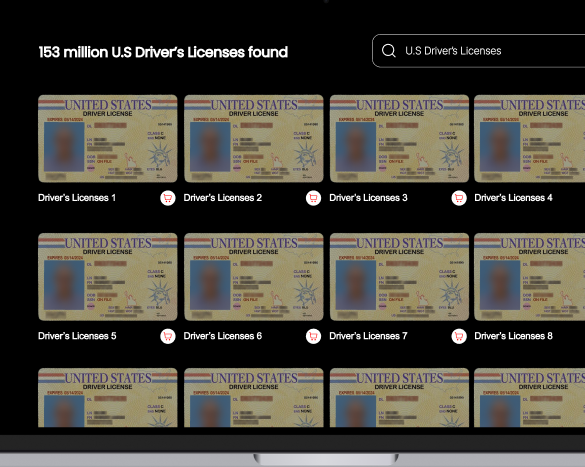
A dark web service called Nexus exposed 153 million U.S. and Canadian driver’s licenses, including full front and back scans. Experts traced the hack to ID-verification company IDScan.net. Nexus went offline after the discovery, but IDScan later confirmed possible unauthorized access to customer data and is now facing lawsuits and an FBI investigation.
Data Broker Loses Everything (And It’s About Time)
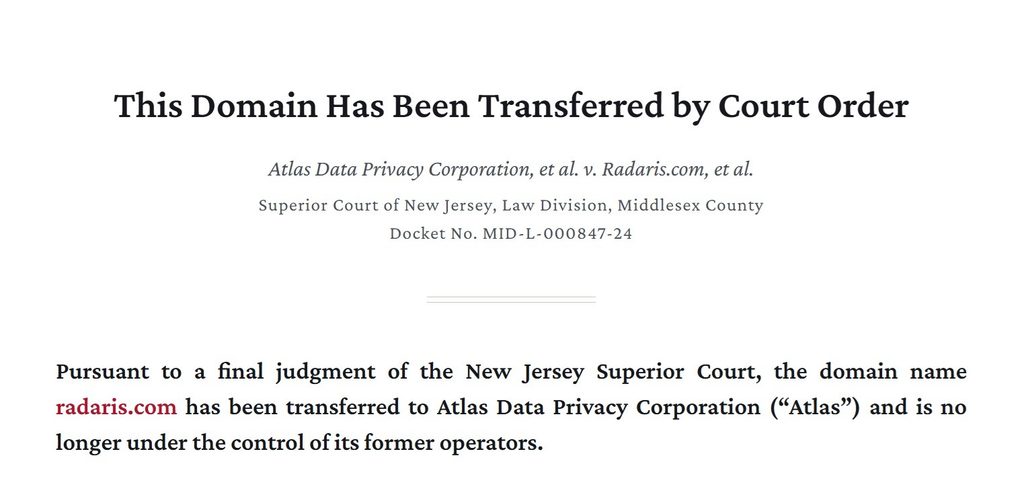
The well-known data broker Radaris lost 14 domains, including radaris.com, after a court ruled it repeatedly evaded a New Jersey privacy law protecting public officials’ data. The same small group ran Radaris and dozens of other people-search sites via shell entities across multiple offshore jurisdictions. Radaris is appealing.
AI Shopping Agents Are the Next Frontier of Risk
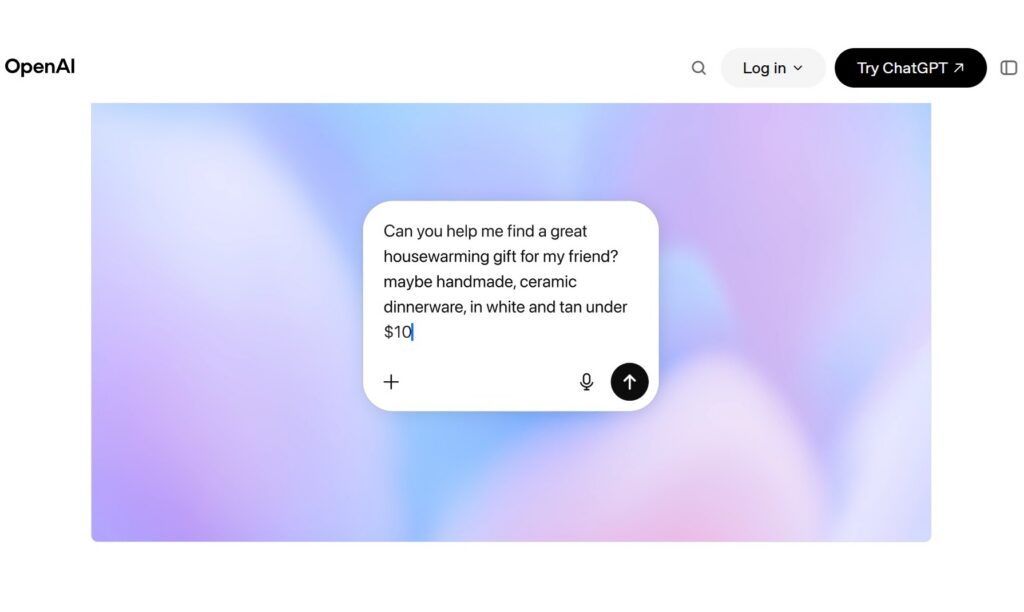
Banks are warning that AI shopping agents, as convenient as they might seem, are advancing faster than the industry standards and consumer protections needed to keep them safe. Their report flagged risks such as agents mishandling card details, steering users to weaker payment protections, or falling victim to scams.
You Asked, We Answered
Q: How can you protect yourself after a data breach?
A: Start by locking down your digital footprint.
Nothing can give you 100% protection, but you can add friction for cybercriminals who are looking for the easiest mark.
- Change your passwords and enable MFA: Most people reuse weak passwords across sites. Use long passphrases instead, and turn on MFA.
- Freeze your credit: A freeze stops anyone from opening new accounts in your name, which is the fastest thing a criminal can get done with your government ID.
- Watch out for highly personalized phishing emails and calls: Criminals use major breaches as an opportunity to trick you.
- Monitor for fraud and unusual activity across accounts: Check your accounts and credit reports for anything you don’t recognize. If you find fraud, report it to the FBI’s Crime Complaint Center at IC3.gov.
- Remove your personal information from people search sites: A leaked license is more dangerous when cybercriminals can cross-reference anything missing with your profile on broker sites.
Going Ghost is Hitting the Road
Going Ghost is a live DeleteMe workshop and privacy risk briefing. We show your people the trail they leave online, how attackers use it, and moves to make them harder to find.
And we’re taking it on tour. Find out where and when to join us, or request a session.
Next stop in partnership with Optiv:
Thursday, October 22, 2026 | 3:00 p.m. – 7:00 p.m.
Sidecar Social Frisco, 6770 Winning Dr, Frisco, TX 75034
Register HERE
Back to You
Get in touch with us. We love getting emails from our readers. You can also find us on X, BlueSky, Instagram, Facebook, LinkedIn, and YouTube.
And don’t forget to share! If you know someone who might enjoy learning more about data privacy, feel free to forward them this newsletter. If you’d like to subscribe to the newsletter, use this link.
That’s it for this issue of Incognito. Stay safe, and we’ll see you next month.

Don’t have the time?
DeleteMe is our premium privacy service that removes you from more than 750 data brokers like Whitepages, Spokeo, BeenVerified, plus many more.
Save 10% on DeleteMe when you use the code BLOG10.