ContactOut Opt-Out Guide

Updated by Sarah Huard
Table of Contents
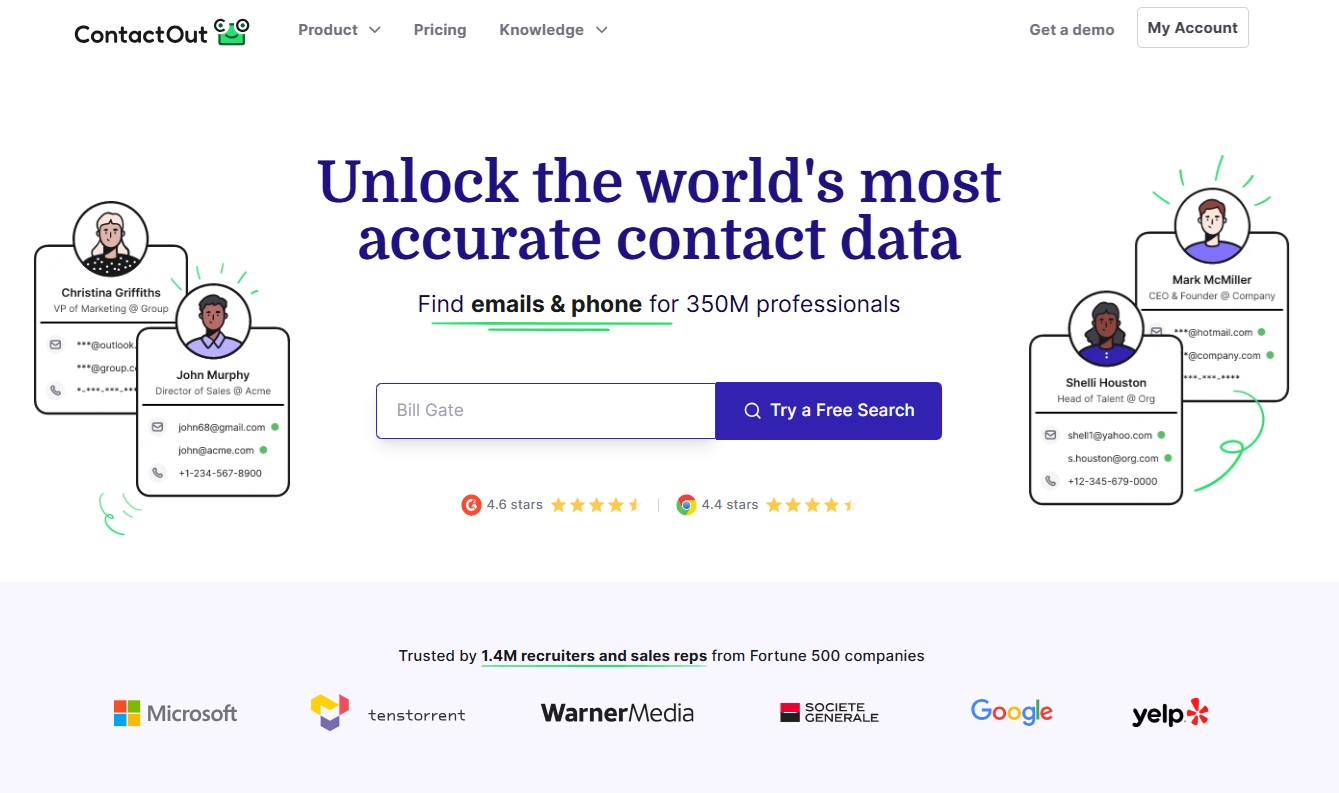
ContactOut is a B2B data broker that lists people’s contact details, work experience, and education.
To remove yourself from ContactOut, follow our ContactOut opt-out guide below, or use DeleteMe to automatically remove yourself from ContactOut along with dozens of other data broker sites.
Note: Data brokers regularly change their opt-out processes. If this process is inaccurate, please contact us directly so we can update it. As of May 2026, following this guide should let you opt from ContactOut successfully.
Why Should You Opt Out from ContactOut?
ContactOut claims it has the contact information of 350 million professionals. Anyone can access five emails and phone numbers per day for free, or pay a monthly fee to get unlimited access to the database. It claims to work with recruiters from big companies like Google and Microsoft.
Most legitimate recruiters reach out through LinkedIn or after having received your resume, which usually comes with your contact information, rather than referring to a data broker site. Most “recruitment” texts and emails that come out of the blue are scams and include “too good to be true” offers and malicious links.
In other words, despite its best efforts to appear “legitimate,” there’s a good chance ContactOut is just another resource for cybercriminals and scammers to contact you with fake job offers and other scams. It also serves marketers and sales personnel, which means you can get even more spam calls and texts.
Opt out to stay private and safe online.
How Does ContactOut Get Your Information?
ContactOut appears to get your information primarily from LinkedIn, but it may reference other social media sites or other data brokers and public records as well.
DeleteMe’s ContactOut Opt Out Review
To remove yourself from ContactOut, you must first verify and claim your profile. Then, you can delete it. Your information should be removed within 24 hours. Some users report difficulty opting out due to unclear instructions. Others have found that the site republishes their information after a short time. Check back regularly to stay safe.
| Speed: 1 | Difficulty: 3 |
|---|---|
 |
 |
ContactOut Listing Removal Walkthrough
Opt out from ContactOut in four steps.
1. Find your profile
To opt out of ContactOut, you will need to first find your ContactOut profile URL. To do that, search “[name] contactout.com” or “[name] [employer] [contactout.com]” in your favorite browser.
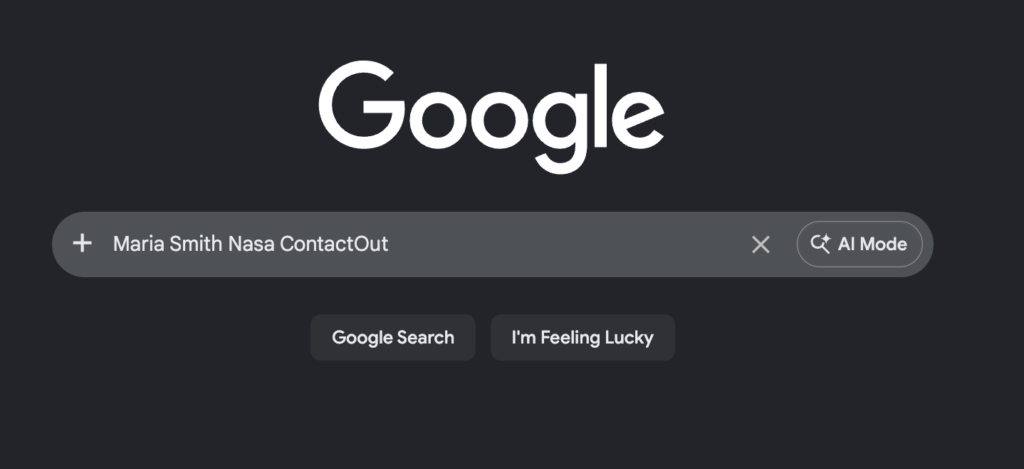
When you find your profile in the results, click to view it. It will contain details like name, employer, work history and often a profile picture.
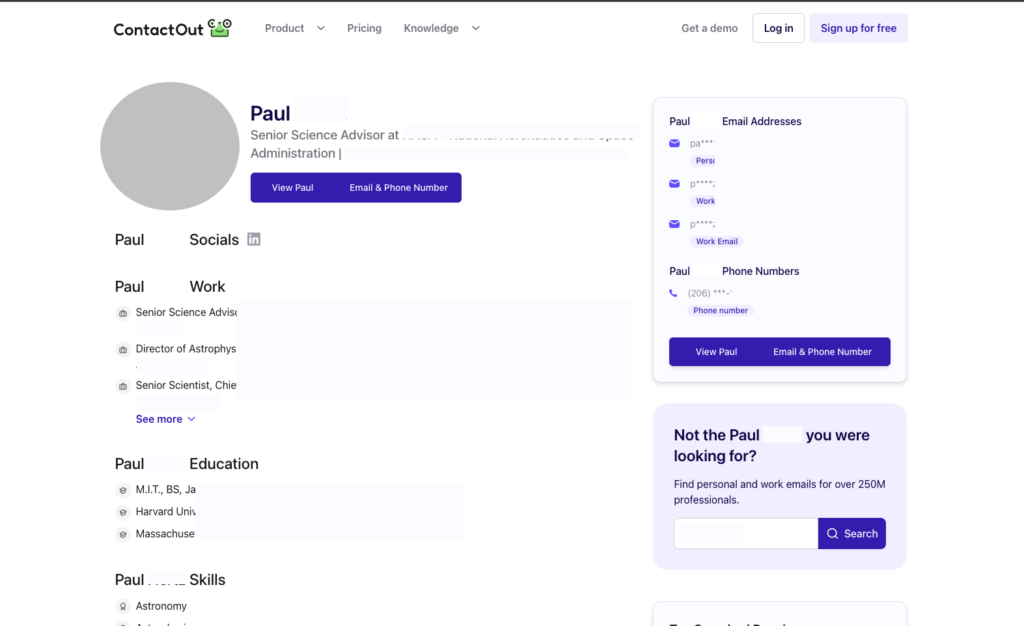
2. Copy the URL of your profile to your clipboard
Copy the link in the search bar to your clipboard. It should look something like this: https://contactout.com/Maria-Smith-1808853.
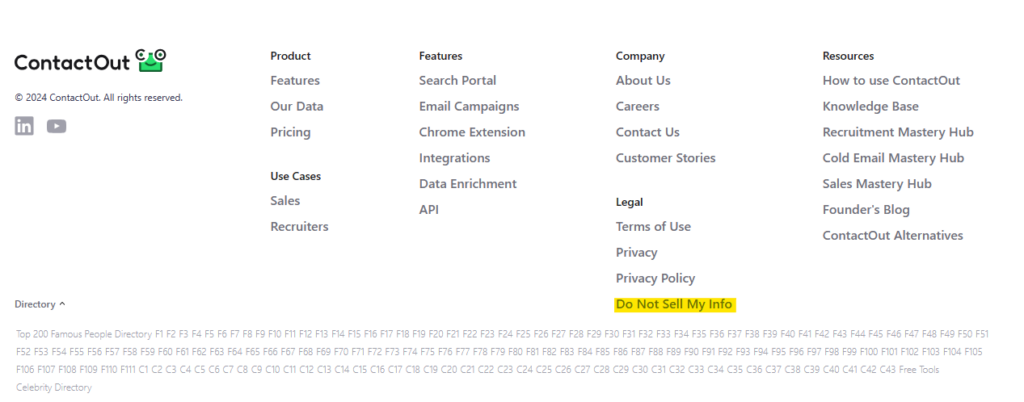
3. Go back to ContactOut and click “Do Not Sell My Info” in the footer
Go to https://contactout.com/ and scroll to the bottom of the page.
Click “Do Not Sell My Info” in the footer.
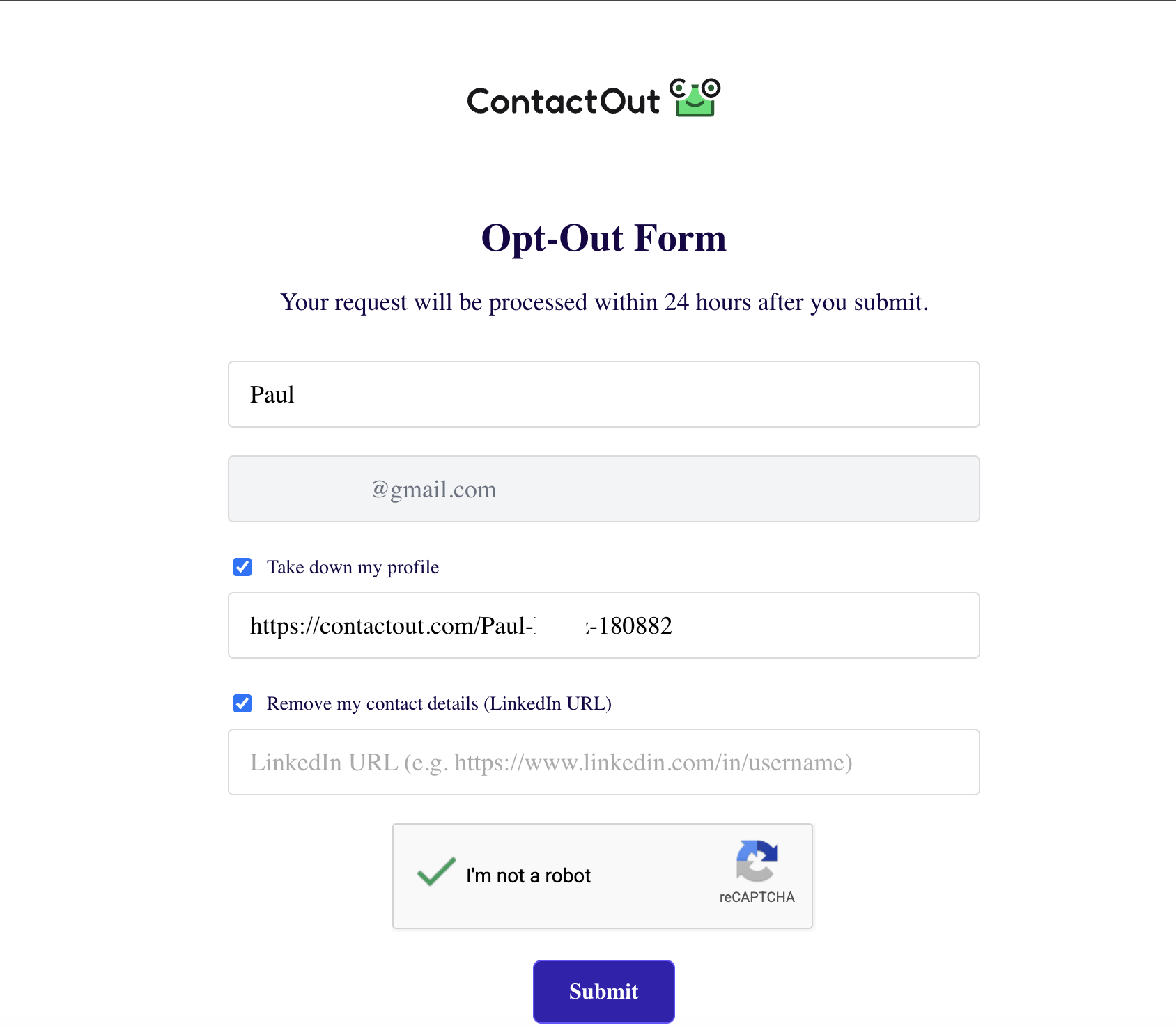
4. Fill out the form
Fill out the form by entering your full name, email address, and page URL to remove.
Click the “I’m not a robot” checkbox.
Click “Submit.”
Your request was sent. ContactOut claims it will remove your profile within 24 hours.
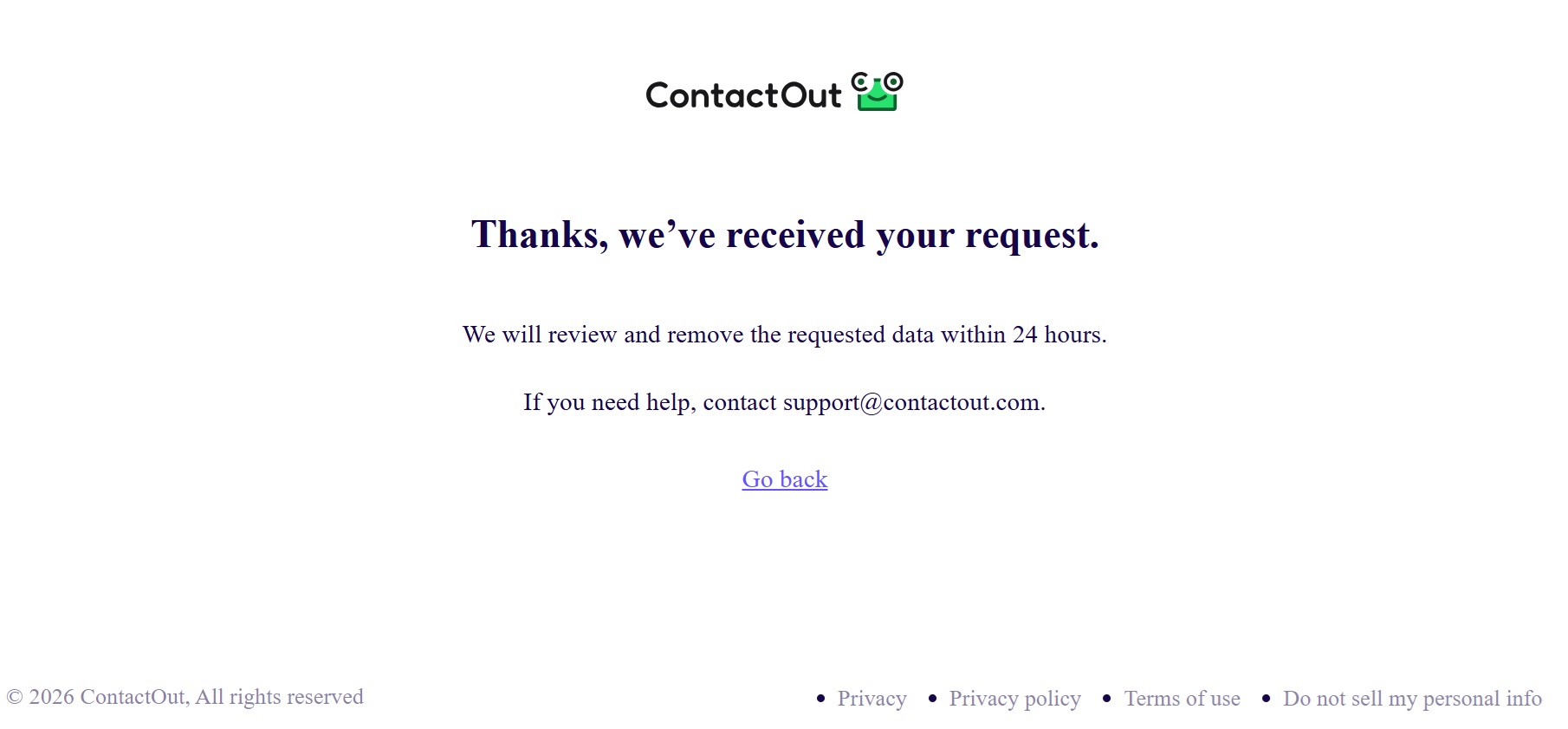
If your profile is not removed or you have another issue, you can also reach out to ContactOut’s support team at [email protected].
Who Is Selling Your Info?
Data brokers! These companies collect your personal information from various sources (public records, social media, etc.), compile this information into detailed profiles, and sell these profiles to anyone who wants them.
Learn more about data brokers and people search sites in our detailed data broker guide.
Then, take a look at our data broker opt-out guides to see which data brokers and people search sites you should opt out from, including:
- How to remove yourself from Whitepages.
- How to remove yourself from BeenVerified.
- How to remove yourself from Spokeo.
- How to remove yourself from PeopleFinders.
- How to remove yourself from Radaris.
- How to remove yourself from People Background Check.
- How to remove yourself from TruthFinder.
- How to remove yourself from MyLife.
- How to remove yourself from Intelius.
- How to remove yourself from Fast People Search
- How to remove yourself from Arrests.org.
- How to remove yourself from CheckPeople.com
- How to remove yourself from Instant Checkmate.
Alternatively, consider subscribing to a privacy service like DeleteMe. Our privacy experts will opt out from data brokers continuously on your behalf, saving you hundreds of hours in the process.


news?

Don’t have the time?
DeleteMe is our premium privacy service that removes you from more than 750 data brokers like Whitepages, Spokeo, BeenVerified, plus many more.
Save 10% on DeleteMe when you use the code BLOG10.